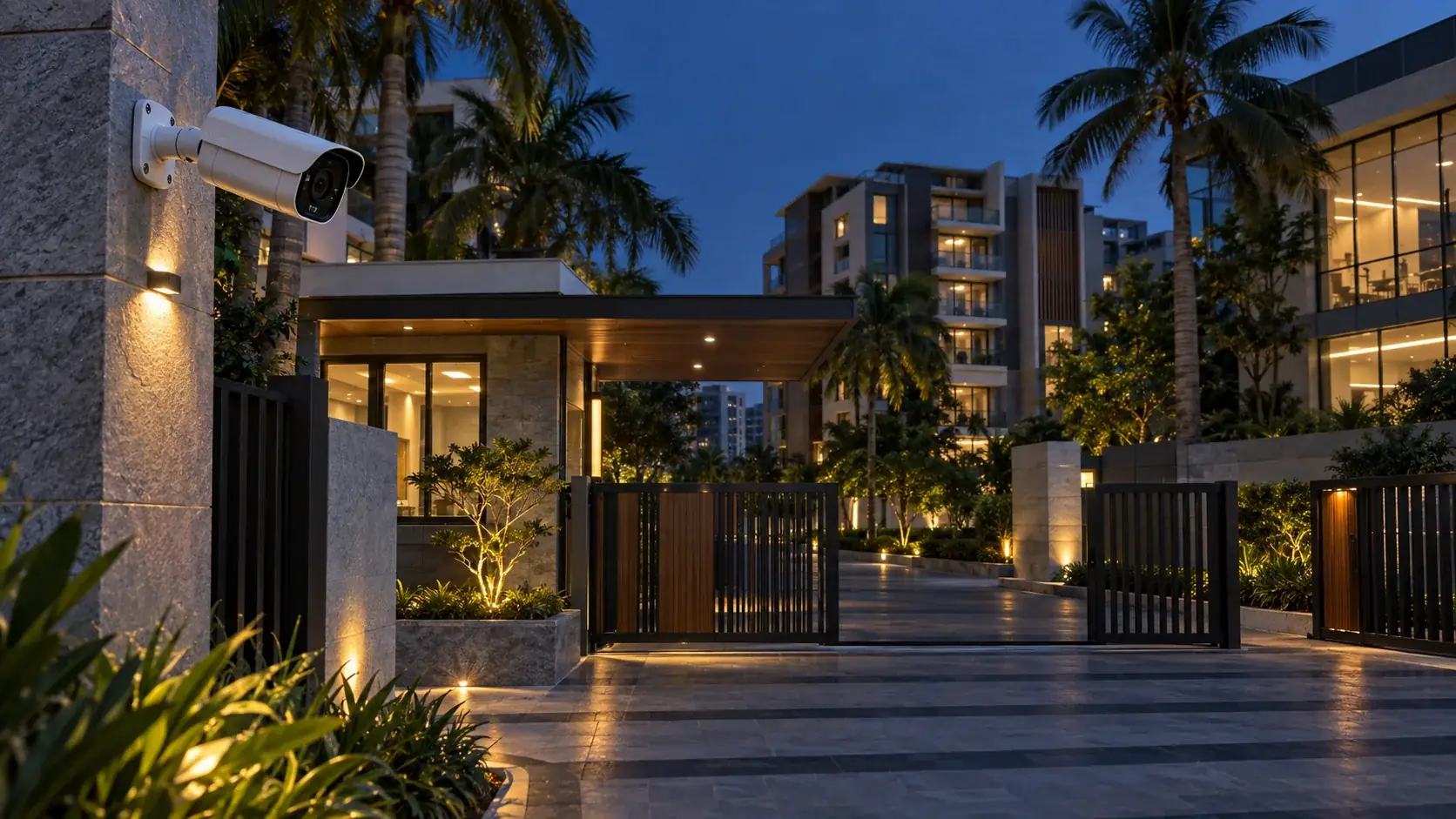
CCTV privacy controls can exist at several layers: a permanent mask created in the camera, a mask applied by the VMS to live and recorded views, dynamic anonymization of people or vehicles, and redaction added only while exporting evidence. These controls do not have the same permanence, coverage or access model. A proper handover must therefore trace the image from sensor to export instead of approving a single masked preview.
1. Build a privacy-control matrix
For every camera, record why masking is needed and where it is enforced. Typical fixed areas include apartment windows, neighbouring premises, keyboards, changing areas, residential balconies or a portion of a public road. Dynamic masking may protect people, faces, vehicles or license plates while still allowing situational awareness.
| Control | Where applied | What to verify |
|---|---|---|
| Camera-side static mask | Before the encoded stream leaves the camera | All intended streams, snapshots and recordings remain masked |
| VMS permanent mask | Client live view, playback and exports according to platform behavior | Cannot be lifted by ordinary users |
| VMS liftable mask | Client display with role-based override | Authorization, timeout, audit trail and all-camera impact |
| Dynamic mask | Edge application or analytics layer | Detection coverage, scene limits and fallback behavior |
| Export redaction | Created for a selected evidence export | All frames, cameras and output formats contain the intended redaction |
2. Decide whether the mask must be irreversible
If an area must never be viewed or recorded, prefer a control that removes it before storage and distribution, subject to the selected camera's verified behavior. Axis describes static camera masking as permanent on live and recorded video. By contrast, a VMS may intentionally allow authorized users to lift a mask or may add redaction only to a particular export.
Document these questions:
- Does an unmasked stream still exist?
- Who can discover, request or open that stream?
- Is the raw stream recorded anywhere else, including an NVR, edge card or analytics server?
- Does the mask apply to JPEG snapshots and secondary profiles?
- Can a third-party ONVIF client request a different profile?
- Does disabling an application expose the unmasked scene?
3. Add a boundary margin
A privacy polygon drawn exactly along a window edge can leak detail when the camera moves slightly, stabilization changes, lens correction is enabled, a profile uses a different aspect ratio or maintenance alters the field of view. Use an approved margin and test it at the highest delivered resolution.
Smallest approved boundary distance in the exported frame
Normalized margin (%)
Smallest boundary distance in pixels ÷ frame dimension in the same direction × 100
Coverage result
Pass only when the prohibited area remains covered in every tested frame, stream and camera position
Record the margin instead of prescribing one universal value. The correct allowance depends on camera movement, scene distance, resolution, barrel-distortion correction, digital stabilization and the consequence of exposure.
4. Test static masks across the stream inventory
Create a list of every enabled stream profile and consumer. Include the VMS recording stream, live-view stream, substream, mobile stream, analytics stream, ONVIF profiles, direct RTSP access where authorized, camera snapshot URL and edge recording.
- Place a visible test target fully inside the prohibited area.
- Check live view at every configured stream resolution.
- Record movement crossing the mask boundary.
- Review playback at normal speed, frame step and digital zoom.
- Retrieve edge recordings if used.
- Capture an authorized camera snapshot.
- Export to every permitted format and review on a separate workstation.
- Repeat after camera and VMS restart.
Do not infer that one passed stream proves all profiles. Different crops, view areas or aspect ratios can change how a mask maps to the output.
5. Test PTZ and repositionable cameras differently
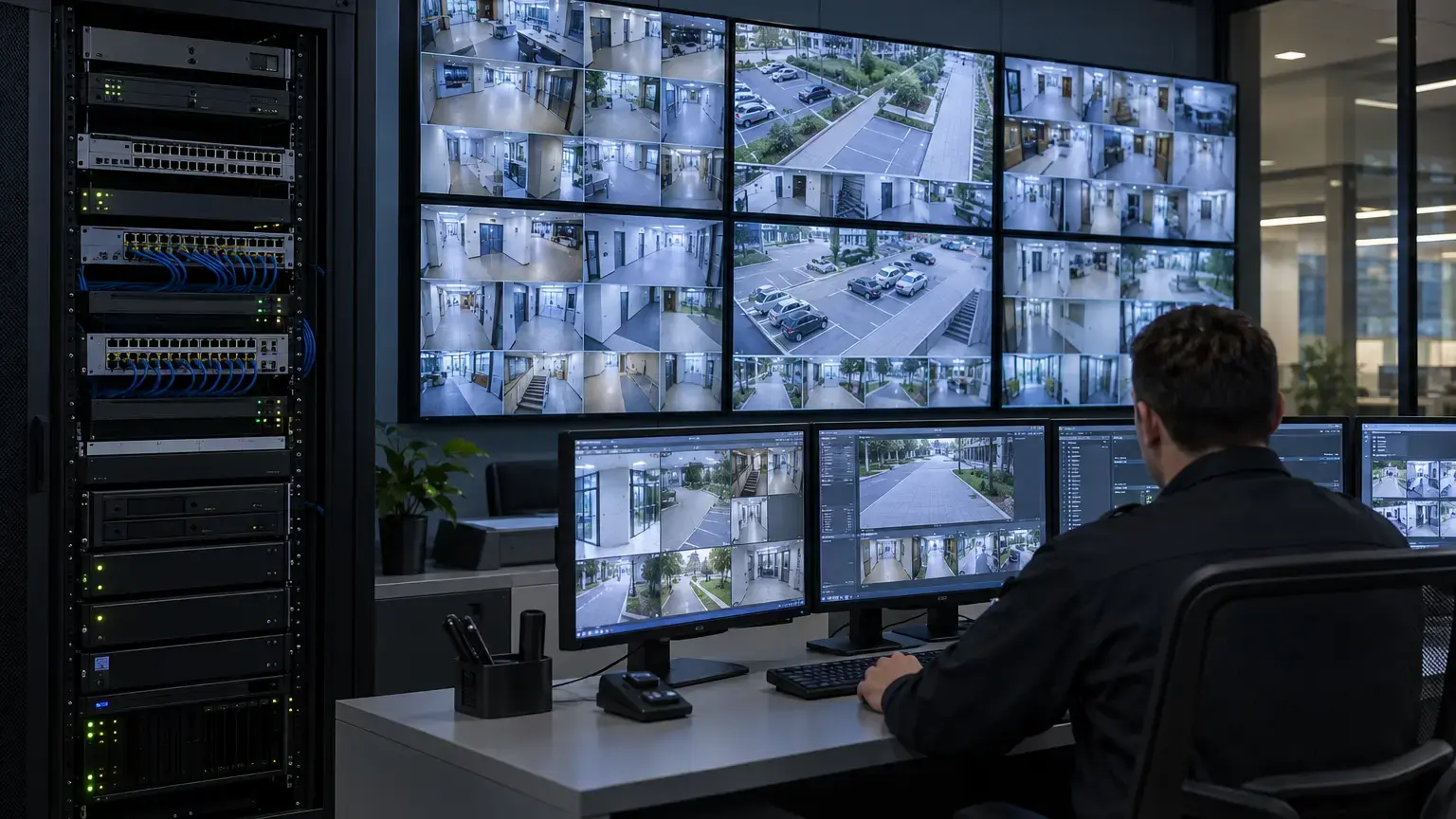
A fixed screen overlay is unsafe for a PTZ camera because the protected real-world area moves when the camera pans, tilts or zooms. Use only the camera or VMS masking method documented to track scene coordinates for the chosen model.
Test all operational presets, patrol routes, zoom limits, home position and manual movement near the protected area. Approach the boundary from multiple directions, stop between presets and run the optical zoom through its range. Repeat after calibration, reboot and preset recall. If electronic image stabilization or dewarping is used, test with the production setting enabled.
6. Challenge dynamic masking
Dynamic masking is analytics, so its scene assumptions and detection limits belong in acceptance. Axis documents that its motion-based method is intended for stable indoor lighting and may be affected by shadows or reflective movement. Its AI-based method can be imperfect when subjects blend into the background, are occluded or have insufficient pixel density.
Build a challenge set from the real site:
- Standing, walking, sitting and partially occluded people.
- Entry from every edge of the image and movement near the camera.
- Bright backlight, low light, headlight glare and day-to-night transition.
- Reflections, glass doors, monitors and polished floors.
- Groups crossing and people remaining still.
- Relevant clothing colours against similar backgrounds.
- Required face, person, vehicle or plate classes.
Frames with complete required masking ÷ reviewed frames containing the target × 100
Exposure count
Number of reviewed frames where prohibited identifying detail remained visible
Use the exposure count as a hard review item. An attractive average percentage must not hide a short but serious unmasked interval. Define the acceptance threshold with the owner before commissioning.
7. Verify roles and liftable masks
Milestone distinguishes permanent and liftable masks and allows authorized roles to lift configured masks. Its documentation notes that lifting can affect video from all cameras accessible to that user, so acceptance must test role scope rather than only one selected camera.
Create test accounts for operator, supervisor, investigator, administrator and export-only roles as applicable. Confirm who can lift masks, how authorization occurs, how long the lift remains, what happens after logout, and whether the event is auditable. Attempt the action from desktop, web and mobile clients that are in scope. Verify that ordinary operators cannot discover an unmasked view by changing layout, profile or client.
8. Treat export redaction as a separate workflow
Export redaction may cover bystanders while leaving a person of interest visible. Milestone's current XProtect documentation says export privacy masks apply to the selected export and camera, and can increase processing time and file size. This requires a capacity and review step.
Export processing time ÷ selected video duration
Review sampling interval
Exported duration ÷ number of planned review points
For important evidence, do more than periodic sampling. Review boundary crossings, fast motion, first and last frames, camera changes and every manual redaction transition. Check native-player, media-player and still-image outputs separately. Preserve the original according to authorized evidence procedures, restrict access and record who created the redacted derivative.
9. Regression triggers
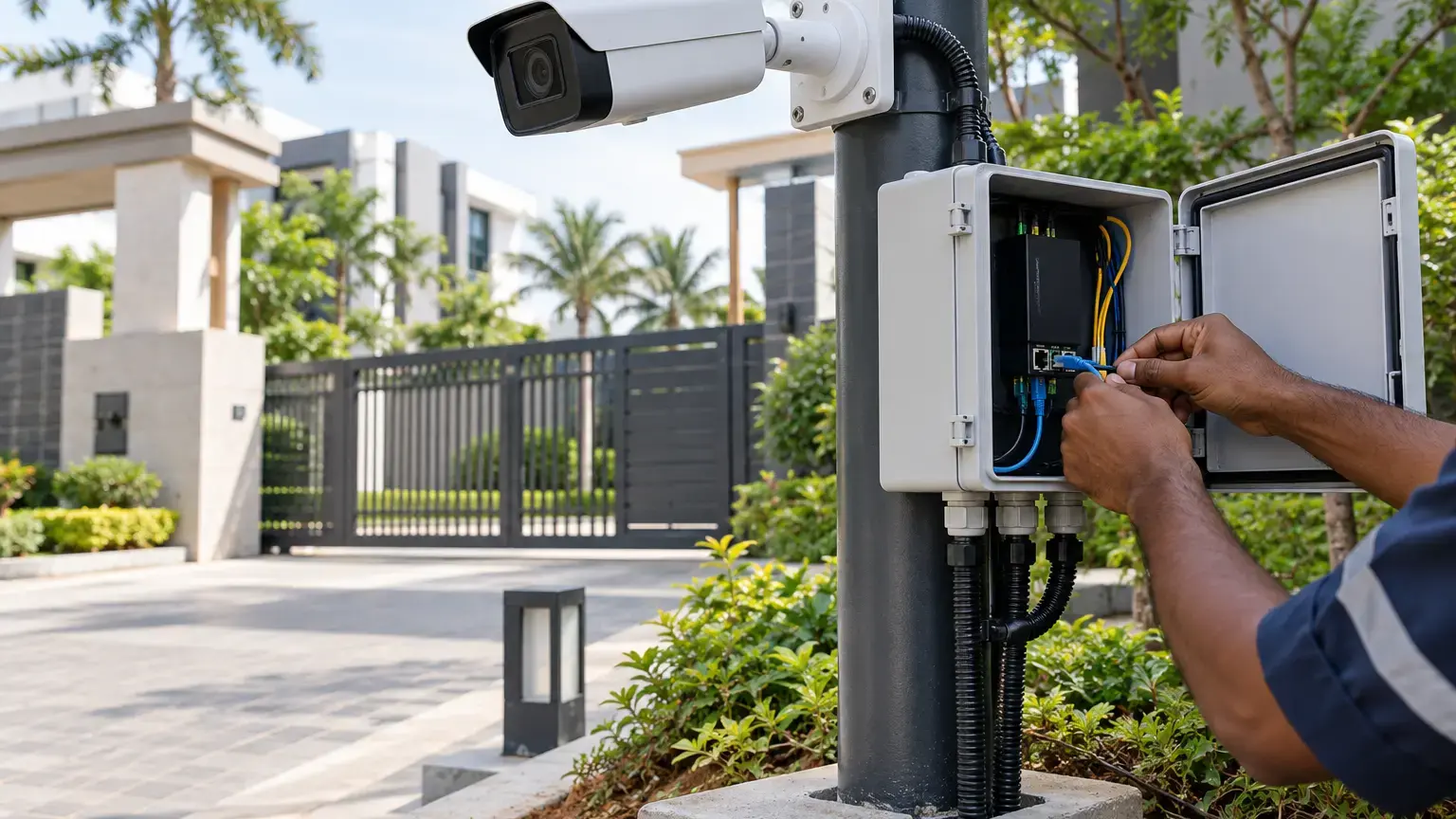
Privacy acceptance is not a one-time checkbox. Re-test after camera replacement, lens or capture-mode change, physical movement, firmware or VMS upgrade, new stream profile, analytics update, stabilization change, PTZ recalibration, role-policy change or integration of a new client. Add mask inspection to preventive maintenance and compare the live view with the approved reference image.
10. Acceptance checklist
- Every camera has an approved privacy-purpose and mask record.
- Static, dynamic, liftable and export-only controls are distinguished.
- All enabled streams and consuming systems are inventoried.
- Unmasked streams and their authorized users are documented.
- Mask boundaries include an approved measurable margin.
- Live view passes on primary and secondary profiles.
- Playback, frame step and digital zoom remain protected.
- Snapshots and edge recordings are tested.
- Every permitted export format is independently reviewed.
- Camera and VMS restart do not remove protection.
- PTZ presets, patrols, zoom and manual positions are tested.
- Dynamic masking is challenged under real scene conditions.
- Exposure frames and masking completeness are recorded.
- Ordinary roles cannot lift or bypass masks.
- Authorized lifting, timeout and audit behavior are verified.
- Redacted exports are linked to protected originals.
- Firmware, configuration and reference images are handed over.
- Regression triggers and maintenance ownership are assigned.
11. Handover package
Include the camera schedule, approved reference images, prohibited-area descriptions, mask type and enforcement layer, stream inventory, role matrix, lift authorization, dynamic-mask challenge results, screenshots from live and playback, export samples, test accounts, firmware and application versions, configuration backups, deviations, re-test triggers and sign-off. Do not include unnecessary unmasked images in general handover copies.
Primary technical references
- Axis: AXIS Live Privacy Shield
- Axis: Privacy in surveillance
- Milestone XProtect: Privacy masking configuration
- Milestone XProtect: Add privacy masks during export
- ONVIF: Network interface specifications
Commissioning CCTV privacy controls?
Share the camera models, viewing boundaries, VMS platform, stream profiles, PTZ positions, operator roles and export requirements. Cyber FTTH Mart can help structure the mask matrix, challenge tests, role validation and handover evidence.
Discuss CCTV privacy acceptance ↗