
ENTERPRISE LAN RESILIENCE · 1 NOVEMBER 2026
Ethernet storm control at the LAN edge: an acceptance worksheet
A looped patch lead, faulty device or hostile endpoint can flood a VLAN before an operator reaches the rack. This worksheet turns broadcast, multicast and unknown-unicast storm control into a measured protection policy without blocking legitimate discovery, imaging or surveillance traffic.
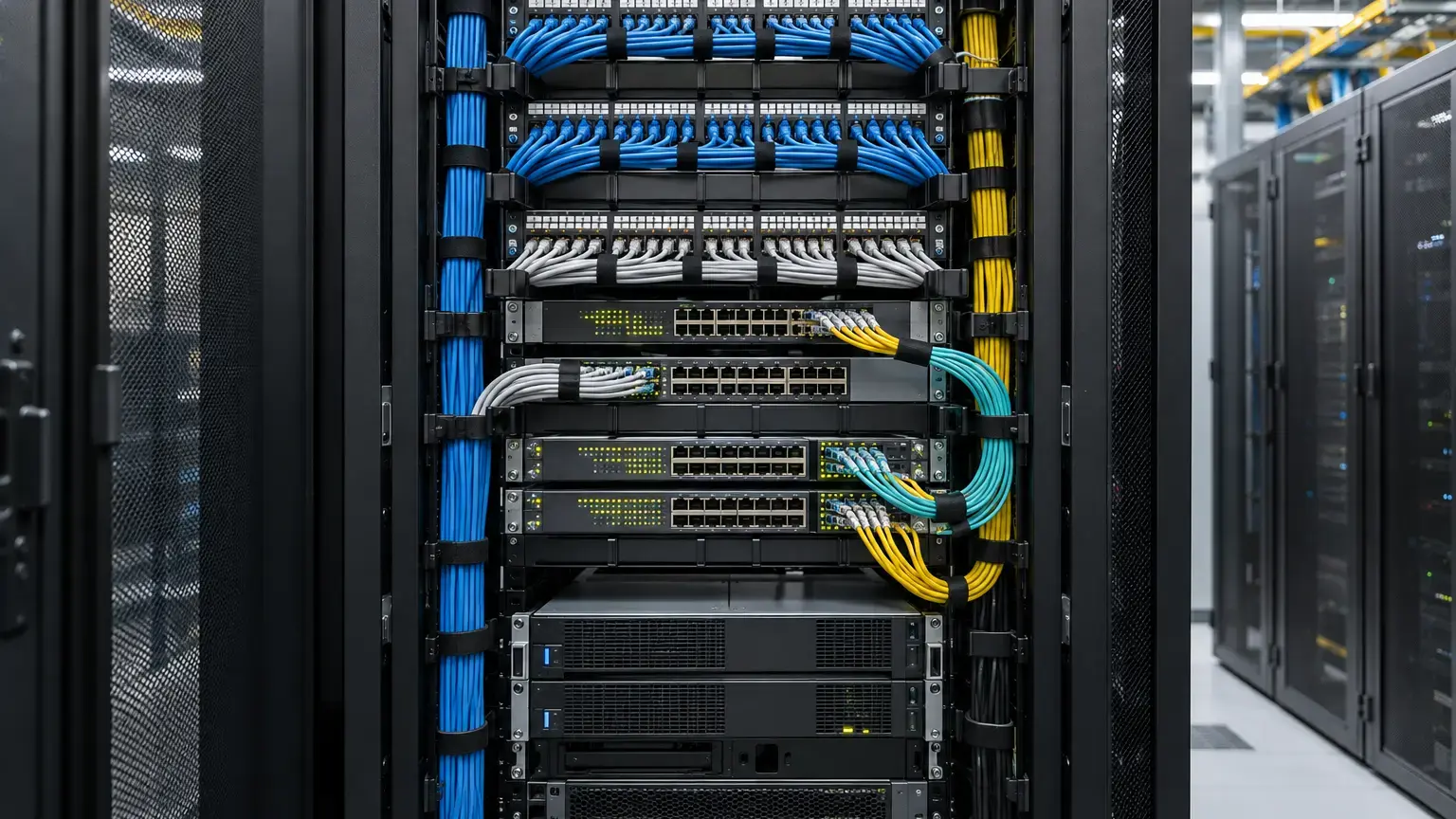
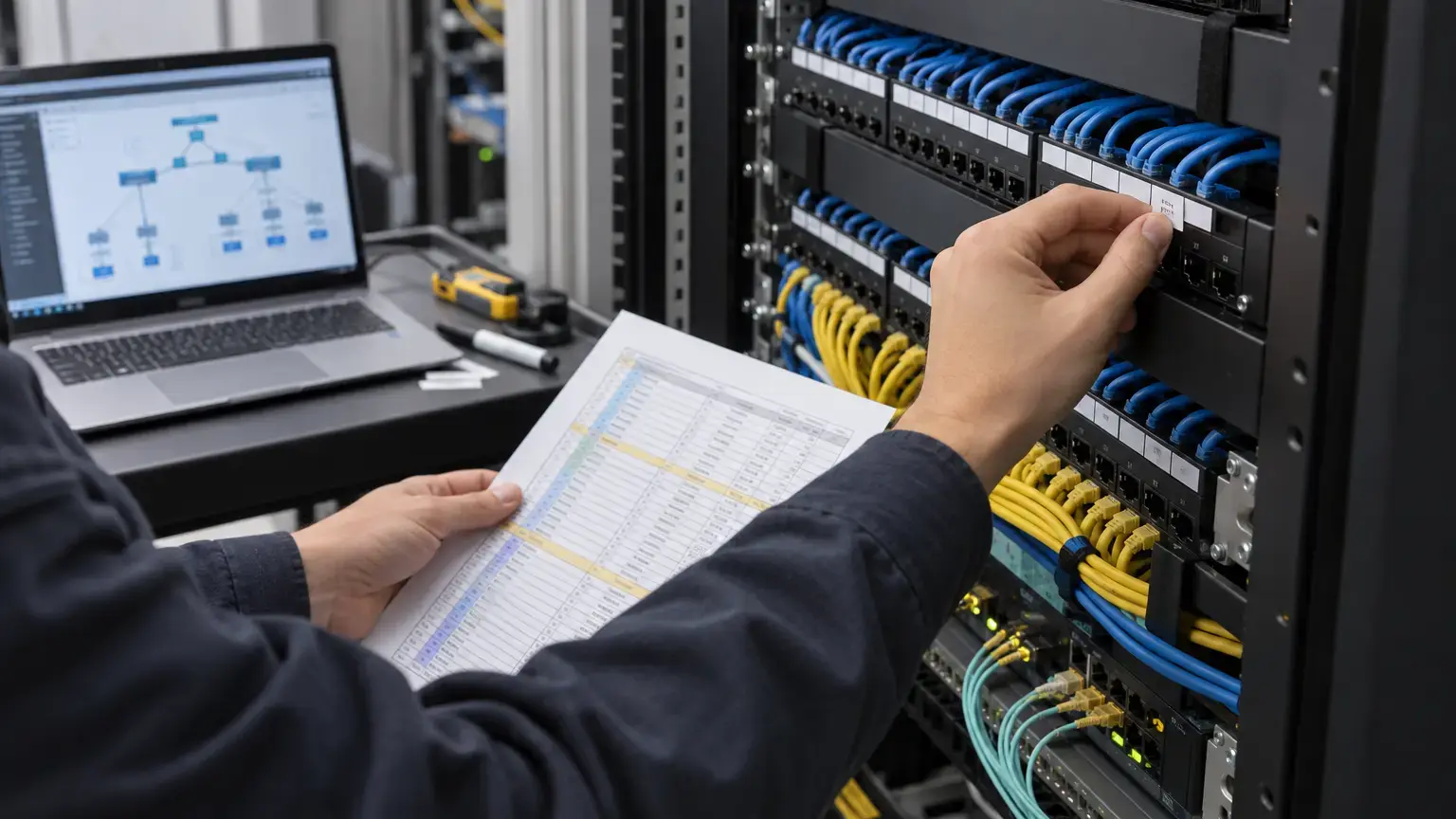
Visual reference photographs
1. Define what is being protected
Broadcast traffic is intentionally delivered to every port in a VLAN. Unknown unicast is flooded when the switch lacks a destination MAC entry. Multicast may be flooded when group membership is absent, unknown or deliberately handled that way by the platform. A sustained excess in any class can consume link capacity, fill queues, disturb endpoints and create CPU pressure.
Cisco identifies protocol defects, configuration mistakes and denial-of-service activity as storm causes. In buildings, common triggers also include a desk-side loop, unmanaged switch, bridged Wi-Fi device, failing NIC, incorrectly connected media converter or a camera network with excessive multicast flooding.
| Traffic class | Legitimate examples | Abnormal signs |
|---|---|---|
| Broadcast | ARP, DHCP discovery and selected legacy discovery | Continuous high ARP, repeated DHCP or looped frames |
| Unknown unicast | Short flooding while a MAC entry is learned or ages | Sustained flooding, MAC churn or unreachable destination |
| Multicast | CCTV viewing, IPTV, routing, discovery and service protocols | Unregistered group flooding or uncontrolled source rate |
2. Verify platform semantics before choosing numbers
The same command name can behave differently across vendors and models. Cisco IOS XE documentation supports percentage, bits-per-second and packets-per-second modes on applicable platforms, with measurement and action details that vary by hardware. Juniper documents platforms where broadcast and unknown unicast are combined, platforms where multicast is included, and aggregated links where the configured threshold applies to each member. Aruba documentation warns that multicast limiting can include broadcast or even Layer 2 control frames on some releases.
For the exact switch and software release, record:
- Supported traffic classes and whether they are measured separately or together.
- Whether the rate is percentage, bps, kbps, pps or an internally rounded value.
- The sampling interval or token-bucket behavior.
- Whether percentage follows negotiated port speed.
- Whether the action drops excess traffic, traps, logs, suspends or error-disables the port.
- What control protocols are exempt or included.
- How a LAG or MLAG applies the threshold to physical members.
- Counter, event and telemetry commands used for evidence.
3. Build a baseline instead of copying a threshold
Measure normal operation by port role and time window. A desktop, access point, IP phone, CCTV camera, server, printer and downstream switch should not automatically share one threshold. Include startup, DHCP renewal, imaging, backup, shift change, camera viewing, failover and planned maintenance.
Highest legitimate measured rate for the protected traffic class during the approved observation window
Engineering margin
Proposed threshold - baseline peak rate
Margin ratio
Proposed threshold ÷ baseline peak rate
Document the counter interval. A one-second device sampler can show a very different peak from a five-minute monitoring average. Cisco states that packet arrival within its measurement interval affects behavior, and newer hardware rate limiters can allow a committed burst before sustained enforcement.
4. Convert percentage, bps and pps carefully
Operational port speed in bps × configured percentage ÷ 100
Approximate pps at a chosen frame size
Threshold bps ÷ on-wire bits per frame
On-wire bits per frame
(Ethernet frame bytes + preamble and delimiter + interpacket gap) × 8
Use pps when small frames threaten packet-processing capacity even though bandwidth appears low. Use bps or percentage when link occupancy is the primary risk. State whether calculations include Layer 2 framing overhead. Do not compare a switch's ingress counter with a traffic generator unless both use the same overhead definition.
Percentage can conceal a speed change. A one-percent threshold represents a different bit rate on 100 Mbps, 1 Gbps and 10 Gbps links. If an access port can negotiate down, decide whether the protection should scale with operational speed or remain a fixed bps or pps value.
5. Separate port roles and failure boundaries
| Port role | Policy question | Typical test concern |
|---|---|---|
| User or printer edge | Should a local storm be suppressed or should the port shut down? | DHCP, ARP and boot bursts still work |
| Camera edge | Is multicast generated, and is the source rate known? | Viewing and failover do not trigger the limit |
| Access point | How many clients and VLANs share the wired port? | Client onboarding and discovery bursts |
| IP phone plus PC | Which VLAN and endpoint causes the excess? | Voice remains available under data-side faults |
| Downstream switch or uplink | Could shutdown isolate an entire floor or building? | Prefer containment closest to the source |
| Server or appliance | Are clustering, discovery or imaging bursts expected? | Validate application owner requirements |
A threshold on an uplink can contain a storm but also discard legitimate traffic from many users. Protect access ports near the likely source, then use higher-layer safeguards and monitoring on aggregation links. Never use aggressive shutdown on a life-safety, access-control or operationally critical port without an approved failure and recovery plan.
6. Choose suppression, alarm or shutdown
Default policing or suppression can keep the port usable while dropping excess frames. A trap or log creates operational evidence. Shutdown can stop a persistent offender, but a false trigger creates an outage and may require manual or timed recovery.
Define the action matrix before testing:
- Traffic class that triggers the action.
- Rising and falling threshold where supported.
- Whether excess frames alone are dropped or the interface is disabled.
- Required log, SNMP, syslog or telemetry event.
- Automatic recovery delay, retry count and lockout behavior.
- Owner authorized to restore the port.
- Checks required before reconnection.
Hysteresis can prevent rapid toggling near the threshold. Verify how the model uses rising and falling values. Aruba Instant On documentation, for example, describes a suspended port and optional timed recovery that disables the port again if the storm remains.
7. Test legitimate bursts first
Use the production configuration and a controlled maintenance window. Capture baseline counters, then exercise the real endpoint workflow: power-cycle the phone or camera, renew DHCP, join approved multicast groups, start intended CCTV viewing, roam Wi-Fi clients and run a permitted deployment or imaging burst.
Confirm that the event counter remains clear or that any permitted burst behavior matches the design. Check DHCP completion, ARP resolution, DNS, voice registration, camera recording, multicast joins and application transactions. If legitimate operation triggers the policy, revise the baseline or redesign the service before storm simulation.
8. Generate a controlled storm safely
Use an isolated test VLAN or approved test port with a traffic generator that can stop immediately. Do not create a physical loop on a production network. Increase one traffic class gradually across the rising threshold while recording generator rate, switch counters, drops, alarms and client impact.
- Confirm the target port, VLAN and maintenance authority.
- Verify an out-of-band path to the switch.
- Start below the configured threshold.
- Raise the rate in documented steps.
- Observe the actual enforcement point and platform rounding.
- Hold above threshold only long enough to prove the action.
- Stop the traffic and observe falling-threshold recovery.
- Verify legitimate traffic resumes.
- For shutdown action, prove the intended err-disable or suspended state.
- Follow the approved recovery process and confirm the fault is absent.
(Observed trigger rate - configured threshold) ÷ configured threshold × 100
Record the generator frame size, offered-load definition and switch counter source. Treat hardware granularity and burst allowance as measured behavior, not fabricated precision.
9. Verify visibility and operations
A protection that silently drops traffic can look like random packet loss. Confirm the NMS receives the correct trap or telemetry, the event identifies switch and interface, counters increment by traffic class, timestamps use synchronized time and the help desk has a clear response procedure.
Correlate the event with MAC address table changes, spanning-tree events, interface errors and endpoint inventory. Retain a before-and-after configuration, test capture, switch output, monitoring screenshot and recovery record. Include storm counters in preventive review so repeated low-grade problems are corrected before a major outage.
10. Acceptance checklist
- Switch model, ASIC family and software release are recorded.
- Protected traffic classes are confirmed from vendor documentation.
- Combined versus separate class measurement is documented.
- Percentage, bps or pps units are explicit.
- Normal peaks are measured by port role and operating state.
- Sampling interval and framing overhead are recorded.
- Threshold conversion is checked against operational port speed.
- Legitimate application and startup bursts pass.
- Multicast control and routing traffic effects are verified.
- LAG member behavior is documented where applicable.
- Suppression, alarm and shutdown actions match the approved policy.
- Rising, falling and burst behavior are tested where supported.
- Controlled traffic reaches the intended enforcement point.
- Excess traffic is contained without spreading to other ports.
- Logs, traps, counters and timestamps are verified.
- Recovery works only after the storm is removed.
- Critical-service exceptions and compensating controls are documented.
- Configuration, evidence, ownership and regression triggers are handed over.
11. Handover worksheet
| Field | Required record |
|---|---|
| Policy scope | Switch, interface, port role, VLANs and endpoint owner |
| Platform semantics | Traffic classes, units, interval, burst and aggregation behavior |
| Baseline | Normal average and peak by class, time and endpoint state |
| Threshold | Configured and effective value, margin and calculation |
| Action | Drop, trap, log, shutdown, falling level and recovery |
| Test result | Observed trigger, drops, client impact and containment |
| Operations | NMS event, runbook, escalation owner and restoration approval |
Primary technical references
- Cisco IOS XE 17: Configure storm control
- Cisco Catalyst 9300: storm-control command reference
- Juniper Networks: Understanding storm control
- Juniper Networks: storm-control bandwidth percentage
- HPE Aruba Networking AOS-CX: Quality of Service guide
Commissioning LAN storm containment?
Share the switch models, software releases, port roles, VLANs, legitimate traffic peaks and operational recovery requirements. Cyber FTTH Mart can help structure threshold calculations, controlled load tests and handover evidence.
Discuss enterprise LAN acceptance ↗