

OPTICAL FIBER TROUBLESHOOTING · 27 OCTOBER 2026
Fiber bend-loss diagnosis: a field acceptance worksheet
A bend fault can look like a splice loss, a weak connector or unexplained margin loss until the route, wavelength and event location are compared. This worksheet gives builders, facilities teams, LCOs, MSOs and ISPs a repeatable method to locate suspected macrobends, investigate pressure-related microbending, correct the cause and preserve evidence for handover.
Visual reference photographs
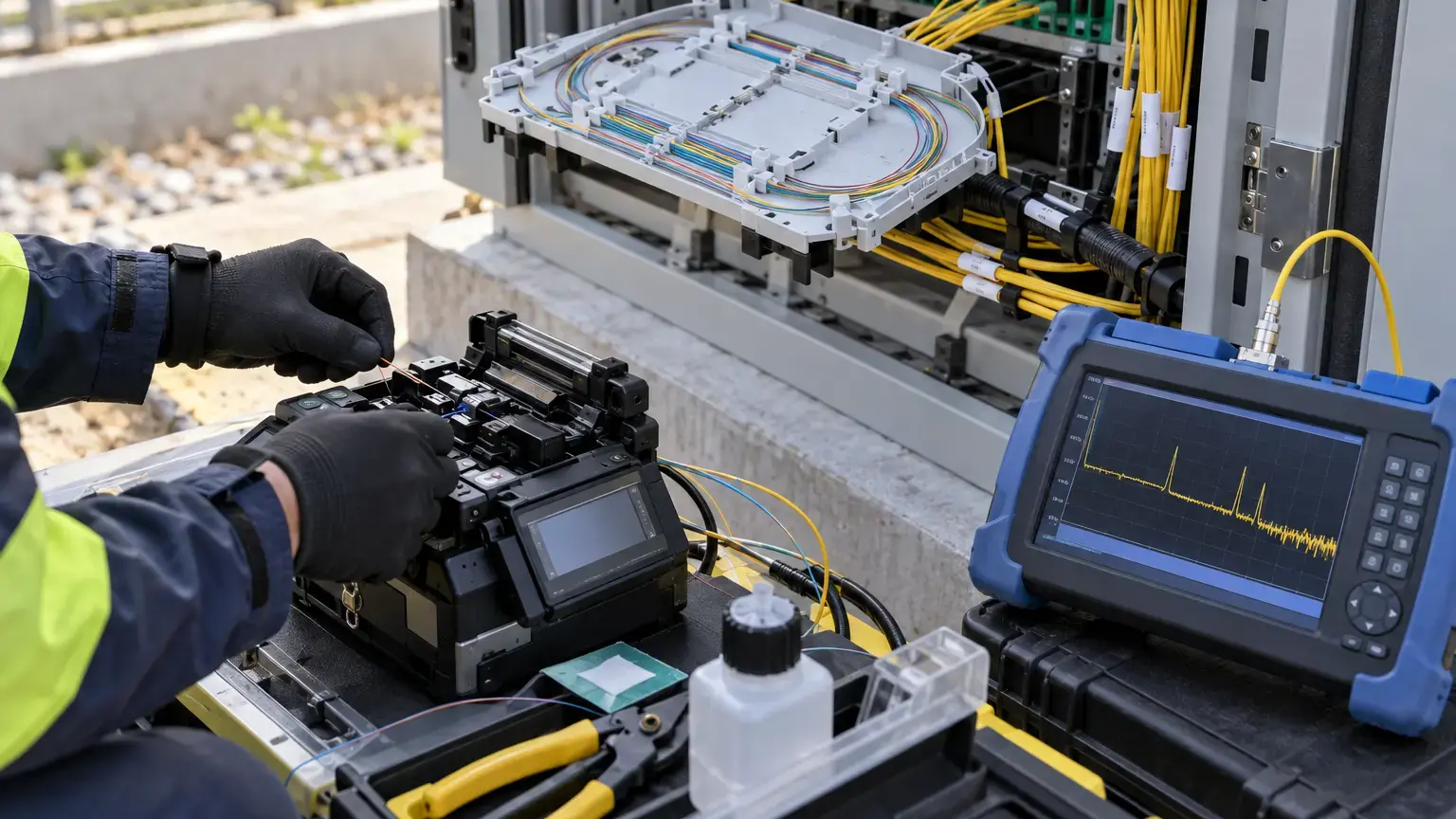
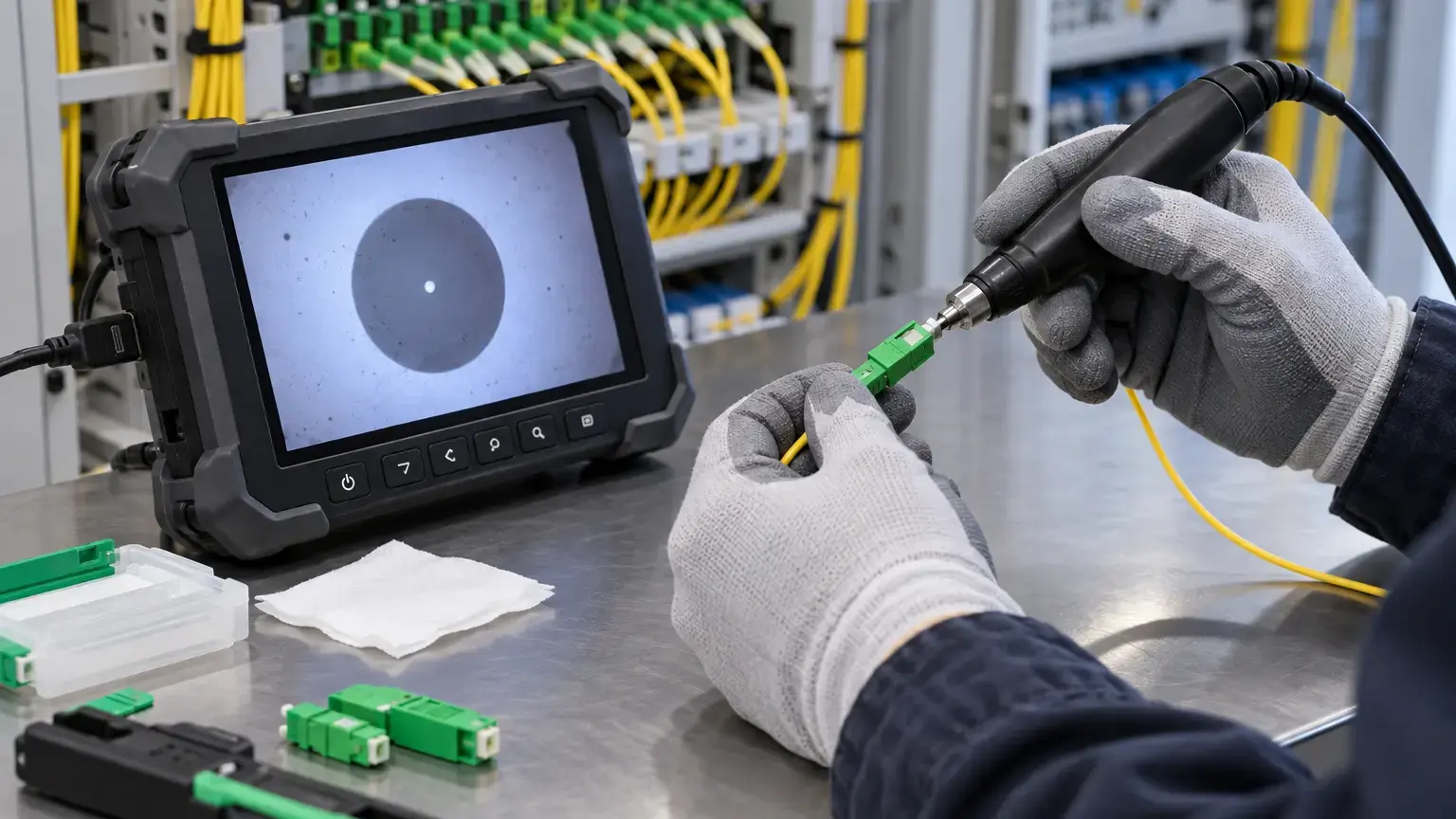
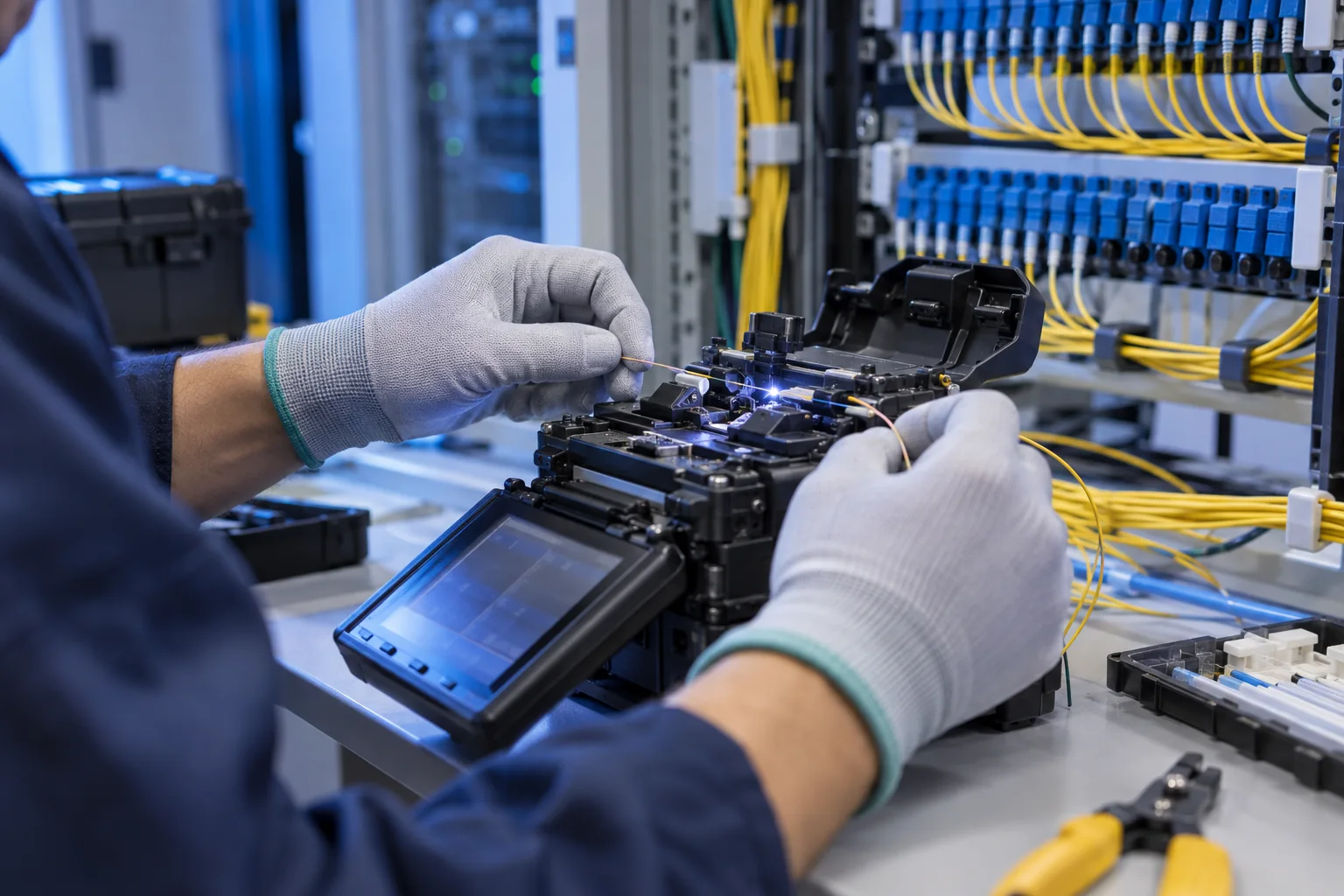
Macrobend and microbend are different fault mechanisms
A macrobend is a visible bend or kink at a scale large enough to inspect directly, such as a tight loop in a tray, a cable forced around an enclosure corner or a drop fiber pinched behind a cover. Corning explains that tighter bends allow more light to escape from the guided mode. The loss is often reversible after the route is corrected, but an excessive bend can also leave mechanical damage that requires replacement.
Microbending is small, localized deformation caused by pressure or imperfections along the fiber. Likely field causes include an overtight cable tie, crushed buffer tube, poor clamp selection, cable compressed under a tray cover, thermal movement or damaged cable construction. It may not be visible as one neat loop. The repair therefore begins with the mechanical environment, not an automatic resplice.
Diagnosis rule: a trace identifies where optical behavior changed. It does not prove the physical cause. Confirm the event against route records and direct inspection before disturbing the network.
Use product-specific bend limits
Do not apply one generic radius to every cable, patch cord, pigtail and bare fiber. Cable construction, fiber category, installed condition and tensile load matter. Corning's installation procedure distinguishes the loaded radius during installation from the installed radius after pulling and directs installers to the exact cable specification sheet. A tray that is acceptable for one cable may be too tight for another.
ITU-T G.657 defines bending-loss-insensitive single-mode fiber categories with improved performance compared with G.652. The current 2024 recommendation says category A remains fully compliant with G.652 and is suitable beyond access networks as well. G.657 does not make careless routing acceptable. Mechanical reliability, cable limits, connectors and the surrounding hardware still need to be respected.
Bend-control row: route ID · cable or cord part number · fiber category · outside diameter · manufacturer loaded radius · manufacturer installed radius · measured or gauged radius · location · enclosure or tray ID · result.
Establish a clean, comparable test setup
- Confirm the fiber identity, route, endpoints and whether the circuit is dark or carrying service.
- Review the baseline trace, insertion-loss record and any recent work near the suspected location.
- Inspect, clean and reinspect the test leads and accessible link connectors.
- Use the same launch cable, receive cable, direction, refractive-index setting, distance range and event thresholds for compared traces.
- Keep pulse width and averaging suitable for the link. A very wide pulse may hide two nearby events inside a dead zone.
- Record instrument model, serial number, software, calibration status, wavelength, pulse width, acquisition time and file name.
Launch and receive cables help characterize the first and last link connectors. If the suspected event is close to a reflective connector, repeat the acquisition with settings that improve event separation before assigning a bend location.
Compare 1310 nm and 1550 nm on dark single-mode fiber
EXFO's OTDR guide describes a macrobend as a physical bend or kink that requires dual-wavelength testing to identify and normally displays more loss at 1550 nm than at 1310 nm. Fluke Networks likewise recommends testing single-mode fiber at both wavelengths because the longer wavelength can reveal stressed fiber more clearly.
Pair the same physical event on both traces by distance, then calculate a diagnostic difference:
Bend-loss difference (dB) = event loss at 1550 nm − event loss at 1310 nm
Correction improvement (dB) = pre-correction loss at the same wavelength − post-correction loss
Example: a nonreflective event measures 0.12 dB at 1310 nm and 0.78 dB at 1550 nm. The bend-loss difference is 0.66 dB. If the 1550 nm event becomes 0.10 dB after a tight slack loop is rerouted, the correction improvement is 0.68 dB. These figures are illustrative, not universal pass limits. Set acceptance limits from the project specification, cable system and instrument method.
A wavelength difference is evidence, not a license to ignore other causes. Confirm the event distance, inspect the corresponding location, correct one condition at a time and reproduce the trace. If an event remains unchanged, investigate splices, connectors, cable damage or an incorrect route map.
Do not connect a standard OTDR blindly to a live PON
A normal 1310/1550 nm OTDR test is appropriate for dark fiber. An active PON may carry upstream and downstream signals that disturb measurements, risk service interference or exceed an instrument port's input limit. EXFO specifies out-of-band 1625 nm or 1650 nm testing on a filtered live-fiber port for in-service troubleshooting. Its guide also warns that incoming optical power can damage an OTDR module.
Before any live test, confirm the PON technology, operational approval, maintenance wavelength, WDM arrangement, port filtering, instrument input limits and test direction. If that controlled method is unavailable, isolate the branch under an approved outage or do not connect the OTDR. Never infer that a 1625 nm source alone makes a setup safe.
Live-network gate: network owner approval · service wavelengths · approved maintenance wavelength · filtered test port or external filter · measured incoming power · instrument input limit · affected splitter tree · rollback plan.
Inspect the physical location without creating another fault
Use the OTDR distance as a search window, allowing for launch length, map accuracy and differences between cable sheath length and optical length. Inspect patch panels, adapters, tray entry points, splice trays, closure ports, slack baskets, handholes, pole loops, cabinet doors, riser turns and drop outlets. Look for:
- a loop tighter than the product's installed minimum radius;
- fiber trapped beneath a tray cover or hinge;
- an overtight tie, clamp or gland;
- a tube crossed under another bundle;
- a cable pulled sideways at an enclosure port;
- closure hardware pressing on a buffer tube;
- temperature-related contraction, water or ice effects in outdoor hardware;
- a sharp building-pathway transition or unsupported cable weight.
Photograph the condition before correction. Reroute gently, remove local pressure and maintain the specified radius. Do not straighten a damaged cable by force. If the jacket, tube or fiber is crushed, kinked or sharply creased, quarantine the section and follow the approved repair method.
Prove the correction with before-and-after evidence
Retest with the same direction and acquisition settings. Compare event distance, loss at each wavelength, end-to-end insertion loss and total trace length. Save both native trace files, not only screenshots or a generated event table. A valid correction should show that the targeted event improved without creating a new event nearby.
For a service-bearing link, also confirm receive power, alarms, error counters and traffic after restoration. Bend-insensitive fiber can reduce optical loss while a poor route still threatens long-term mechanical reliability, so close the job only after both the optical and physical conditions comply.
Field acceptance worksheet
- The exact fiber, route, service owner and endpoints are confirmed.
- Dark-fiber or live-network status is recorded before connection.
- The cable, cord and fiber product identities are available.
- Loaded and installed bend limits come from the applicable product data.
- Test leads and accessible connectors are inspected and cleaned.
- Launch and receive arrangements are documented.
- Instrument, calibration status and acquisition settings are recorded.
- 1310 nm and 1550 nm traces use comparable settings on dark single-mode fiber.
- The suspected event is paired by distance on both traces.
- The bend-loss difference is calculated without using an invented universal limit.
- The physical location and likely pressure or radius cause are photographed.
- Any live-PON test uses an approved filtered out-of-band method and verified input limits.
- The correction preserves product radius and mechanical condition.
- Post-correction traces use the same documented setup.
- No new nearby event appears after rerouting or closure reassembly.
- Insertion loss, active optical levels and service checks pass where applicable.
- Native traces, photos, calculations, exceptions and sign-off enter the handover pack.
Minimum handover pack
Provide the route and fiber ID, cable and fiber specification, applicable bend limits, test method, instrument details, incoming-power check for any live circuit, pre-correction traces, paired-event worksheet, photographs, corrective action, post-correction traces, insertion-loss result, service validation and approver. Link the record to the bidirectional OTDR worksheet, connector inspection worksheet and fiber route record.
Primary technical references
- ITU-T G.657: Characteristics of a bending-loss insensitive single-mode optical fibre and cable
- Corning: An overview of macrobending and microbending of optical fibers
- Corning: Duct installation of fiber optic cable
- EXFO: A beginner's guide to OTDR testing
- EXFO: In-service troubleshooting on live FTTH networks
- Fluke Networks: OTDR troubleshooting practices
Tracing unexplained fiber loss in a campus, building or ISP route?
Share the route map, fiber IDs, test wavelengths, trace files and the equipment serving the link. We can coordinate inspection, controlled fault isolation, restoration testing and handover records around the approved maintenance plan.
Discuss fiber fault diagnosis ↗