
Fusion splicing depends on controlled heat, accurate alignment and clean fiber geometry. Arc power that worked at one location may become unsuitable after a change in altitude, temperature, humidity, electrodes, fiber type or machine condition. The practical answer is not to chase a single impressive estimated-loss number. It is to calibrate at the right times, record the process, inspect each splice and verify the completed link with the correct instruments.
1. Establish the splice lot before work starts
Treat fibers spliced under the same conditions as a controlled lot. Record the cable and pigtail fiber types, splicer model, serial number, firmware, splice program, electrode count, cleaver identity, technician, location and environmental condition. Do not assume that every single-mode fiber should use the same recipe. G.652, G.657, G.655 and dissimilar-fiber joints can require different modes or produce different bidirectional OTDR behavior.
| Control | Record | Reason |
|---|---|---|
| Fiber pairing | Cable fiber and pigtail type, manufacturer if known | Mode-field and backscatter differences affect alignment and OTDR readings |
| Machine state | Model, serial, firmware, splice mode and electrode arcs | Links every result to a repeatable setup |
| Environment | Indoor or outdoor, temperature, humidity, altitude change and wind protection | Arc behavior and contamination risk can change |
| Preparation tools | Stripper, cleaver and cleaning materials | Separates preparation faults from splicer faults |
| Acceptance method | Estimated-loss screen, OTDR wavelengths and OLTS budget | Prevents estimated values being presented as final measured loss |
2. Calibrate when the conditions change
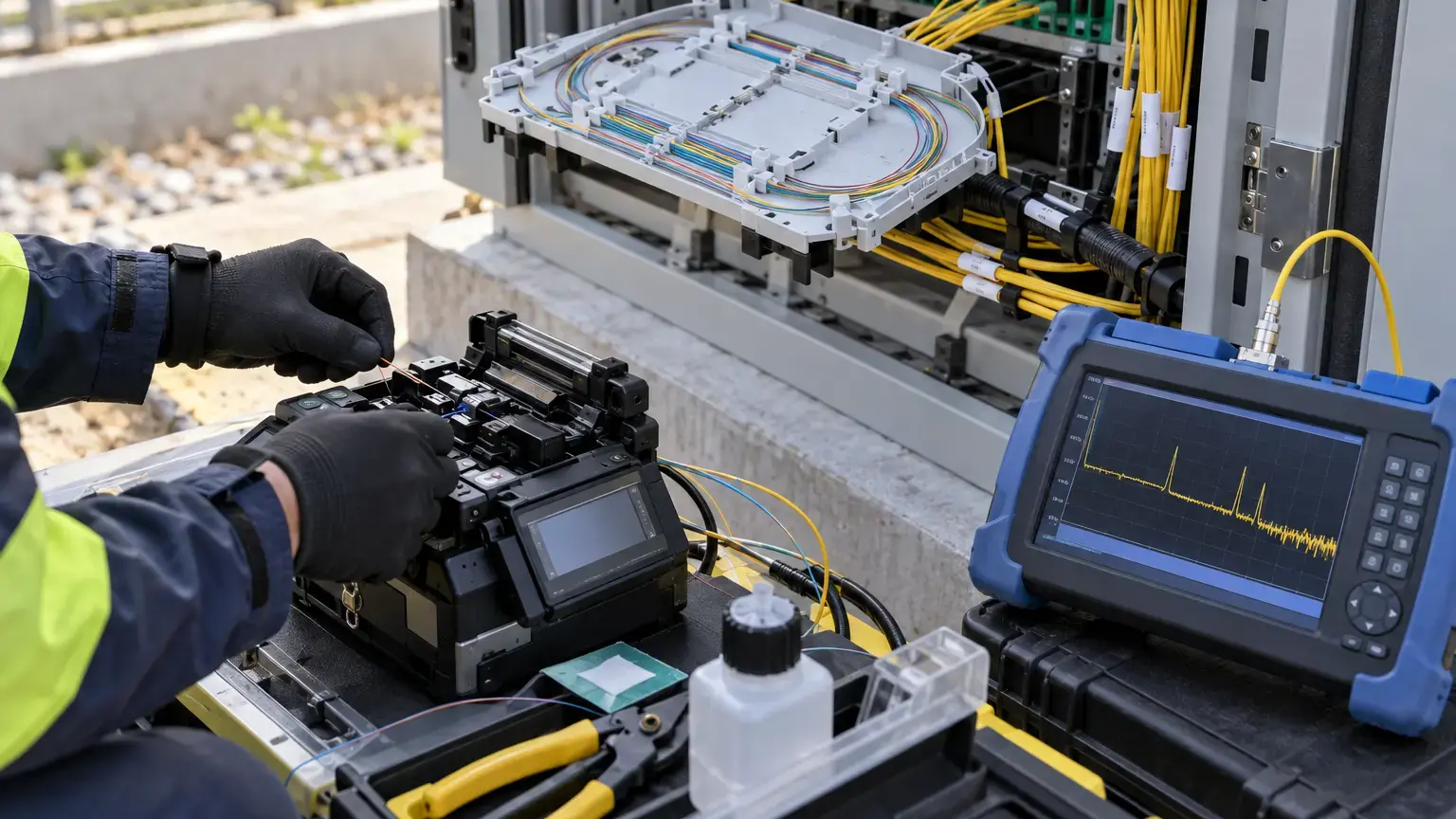
Use the splicer manufacturer's arc-calibration procedure and test fibers from the actual fiber type being joined where the manual permits it. Calibration is not a substitute for cleaning, correct electrode installation or the right splice program. It adjusts the discharge condition so the fiber receives appropriate heat under current conditions.
Perform or review calibration at the start of a controlled work lot and after material changes that can affect the arc. Typical triggers include:
- Moving between substantially different altitude or environmental conditions.
- Changing electrode pair, servicing the machine or correcting the electrode position.
- Changing fiber family, cladding diameter or approved splice program.
- Repeated bubbles, neck-down, fat joints, thin joints, high estimates or proof-test failures.
- A manufacturer alert or calibration reminder from the splicer.
Sumitomo's Type-37 manual directs the operator to perform an Arc Test when high-loss defects such as bubbles or core offset persist. Fujikura service documentation explicitly includes electrode calibration, stabilization and estimated-versus-actual loss correlation in annual servicing. These are signals that calibration and machine condition belong in the quality record.
3. Control the preparation before blaming the arc
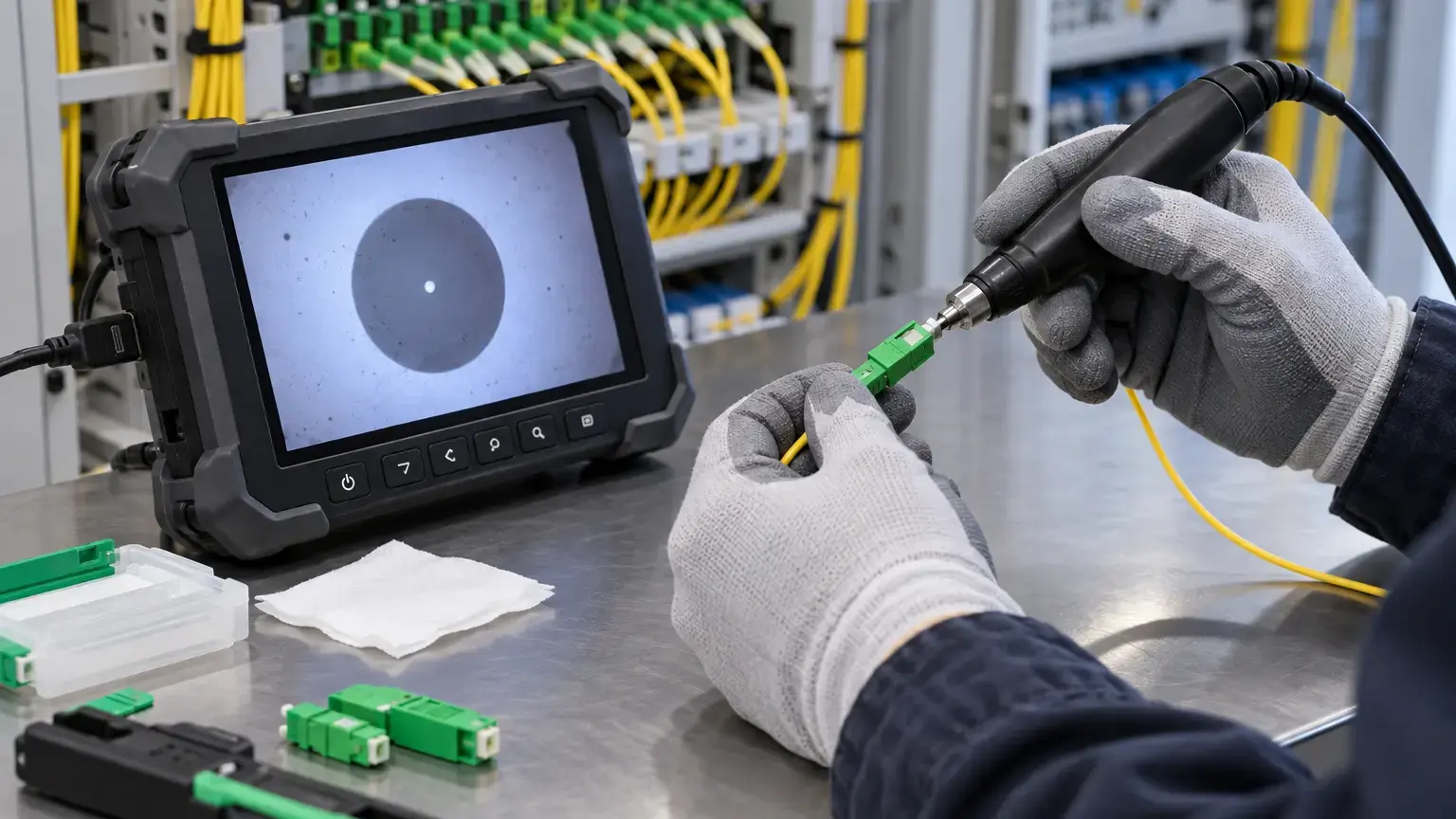
Most field splice defects begin before the fusion discharge. Strip only the required length, remove coating residue with approved lint-free materials, avoid touching bare glass and place the fiber into the cleaver without torsion. Inspect the cleaved end on the splicer display. Reject chipped, angled, dirty or lip-shaped ends rather than relying on the machine to fuse them into an acceptable joint.
Use a short defect loop
- Stop after a repeated warning instead of producing a tray of questionable joints.
- Re-strip, clean and re-cleave with fresh materials.
- Clean the cleaver blade area and confirm its blade position.
- Clean the splicer path according to the manual.
- Check fiber selection and splice mode.
- Run the approved arc test or calibration.
- Make and record trial splices before returning to production.
4. Separate process limits from link acceptance
Set three different controls in the method statement:
- Splicer process alert: an estimated-loss or image threshold that requires re-preparation, review or re-splicing.
- Individual event acceptance: the approved bidirectional OTDR average for accessible events, accounting for the project specification and instrument uncertainty.
- End-to-end acceptance: total measured link loss at the specified wavelengths compared with the engineered loss budget.
Do not invent one universal splice limit. FOA notes that TIA-568 permits 0.3 dB for a splice in the link budget, while well-made single-mode fusion splices are commonly lower. The contract, network design, fiber combination and measurement method must set the actual acceptance threshold.
(OTDR event loss A to B + OTDR event loss B to A) ÷ 2
Maximum designed link loss
Fiber attenuation + connector allowances + splice allowances + splitter or passive-device loss + approved engineering margin
Remaining measured margin
Maximum designed link loss - measured end-to-end insertion loss
A gainer in one OTDR direction does not prove that the splice amplifies light. Different backscatter coefficients on the two fiber sections can create a negative apparent event in one direction and an exaggerated loss in the other. FOA and Fluke both recommend bidirectional testing and averaging to reduce this directional error.
5. Inspect, proof-test and protect the joint
Review the post-splice image for bubbles, core or cladding offset, deformation, black lines and abnormal joint shape. Use the splicer's proof test only as the manufacturer intends. A passed proof test gives mechanical process confidence but does not prove optical loss. A failed proof test requires a new splice, not a sleeve over a damaged joint.
Center the completed joint in the correct heat-shrink sleeve, allow it to cool in the holder and route it into the tray without twist or pressure. Keep the manufacturer's bend radius and tray path. Fluke notes that excessive bending after a good fusion splice can create wavelength-sensitive loss, so final verification must represent the joint in its finished tray, not only while it is free beside the machine.
6. Use a lot-based quality worksheet
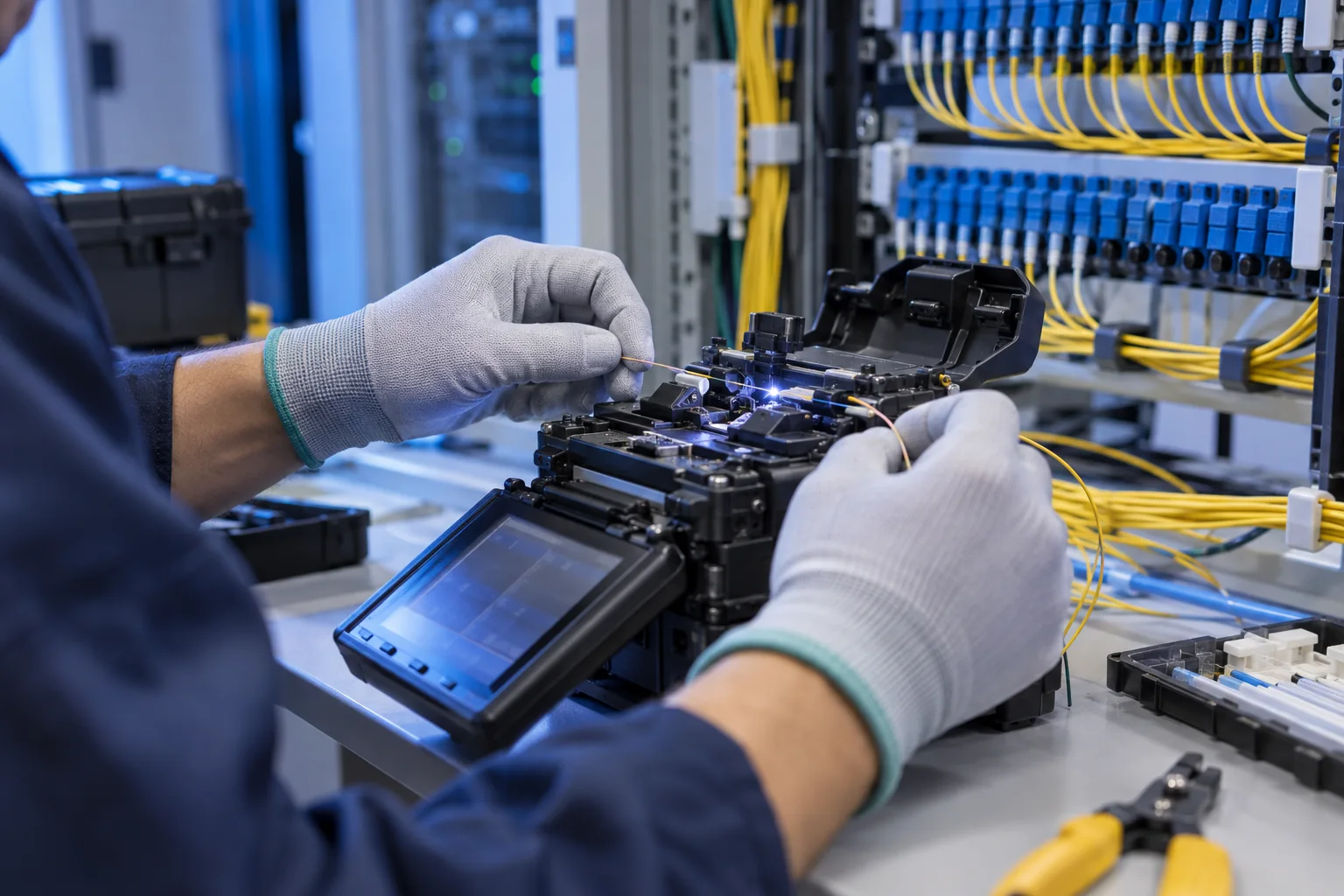
Averages can hide one poor joint, while isolated estimated-loss values can hide a drifting process. Track both the maximum and the distribution for each lot.
Sum of accepted splicer estimates ÷ accepted splice count
Rework rate (%)
Re-spliced joints ÷ total splice attempts × 100
OTDR exception rate (%)
Events above the approved bidirectional threshold ÷ tested splice events × 100
Investigate a sudden rise in average estimate, repeated rework or one-sided OTDR anomalies even if the total link still passes. Compare the time of the shift with electrode count, technician change, cleaver maintenance, weather, cable drum or pigtail batch. This turns troubleshooting into evidence rather than guesswork.
7. Field acceptance checklist
- Fiber types and every dissimilar-fiber pairing are identified.
- Approved splice modes and project thresholds are recorded.
- Splicer, cleaver and technician identifiers are logged.
- Firmware and electrode arc count are recorded.
- V-grooves, clamps, optics and preparation tools are clean.
- Environmental conditions and recent location changes are noted.
- Arc calibration is completed using the approved procedure.
- Trial splices show stable images and estimates.
- Every cleave is visually reviewed before fusion.
- Abnormal bubbles, offsets, deformation and proof failures are reworked.
- Splice ID, fibers, estimate and result are stored or transcribed.
- Sleeves are centered, fully shrunk and cooled correctly.
- Finished fibers follow the tray path and bend-radius controls.
- OLTS or source-and-power-meter loss is within the link budget.
- OTDR setup uses suitable launch and receive fibers.
- Specified splice events are measured in both directions.
- Directional event results are averaged and exceptions investigated.
- Traces, loss tables, calibration records and rework evidence are handed over.
8. Handover package
Include the fiber-core matrix, closure and tray references, splice-machine export where available, calibration record, electrode count, failed and remade joint log, OLTS results, both-direction OTDR traces, averaged event table, test wavelengths, launch and receive cable details, instrument calibration status, exception approvals and final as-built route. Keep raw traces as well as the summary PDF so a future restoration team can compare changes.
Primary technical references
- Sumitomo Electric Lightwave: Fusion splicer and accessory manuals
- Sumitomo Electric Lightwave: Type-37 operation manual
- Fujikura Europe: Fusion-splicer servicing and calibration
- FOA: Outside-plant fiber splicing and termination
- Fluke Networks: OLTS and OTDR testing strategy
- Fluke Networks: Troubleshooting fusion splices
Need defensible fiber-splicing records?
Share the cable type, core count, route, closure schedule, acceptance limits and required test format. Cyber FTTH Mart can help structure splice execution, core mapping, OLTS and OTDR verification, exception handling and handover documentation.
Discuss fiber splicing and testing ↗