
A conventional OTDR connected to an active PON may be blinded by downstream optical power, may use a service wavelength that should not be injected into a live network, or may fail to see through the splitter. Purpose-built live-fiber OTDRs use an out-of-band wavelength, commonly 1625 or 1650 nm, with a filtered port that rejects service signals at the receiver. That does not make every connection point safe or every trace automatically comparable with a 1310 or 1550 nm commissioning trace.
1. Audit the live wavelength plan
Record the services present before selecting the test port. A network described casually as GPON may also carry RF video, XGS-PON, monitoring wavelengths or a coexistence element. ITU-T G.984.5 defines GPON enhancement-band planning and the role of wavelength blocking filters in controlling interference between bands. The installed design, not the label on the cabinet, determines whether a maintenance wavelength can be introduced safely.
| Item | Record before test | Acceptance evidence |
|---|---|---|
| PON technologies | GPON, XGS-PON, video overlay and other optical services | Approved wavelength and coexistence diagram |
| Test instrument | Model, live port, test wavelength and internal-filter status | Manufacturer specification for in-service use |
| Connection point | OLT test port, ODF, splitter input, distribution output or ONT side | Fiber and port ID with authorized test direction |
| Optical filters | WDM, wavelength-blocking filter and ONT-side filter if required | Installed component type and pass or reject bands |
| Subscribers at risk | Shared splitter branches and critical services | Monitoring and rollback plan |
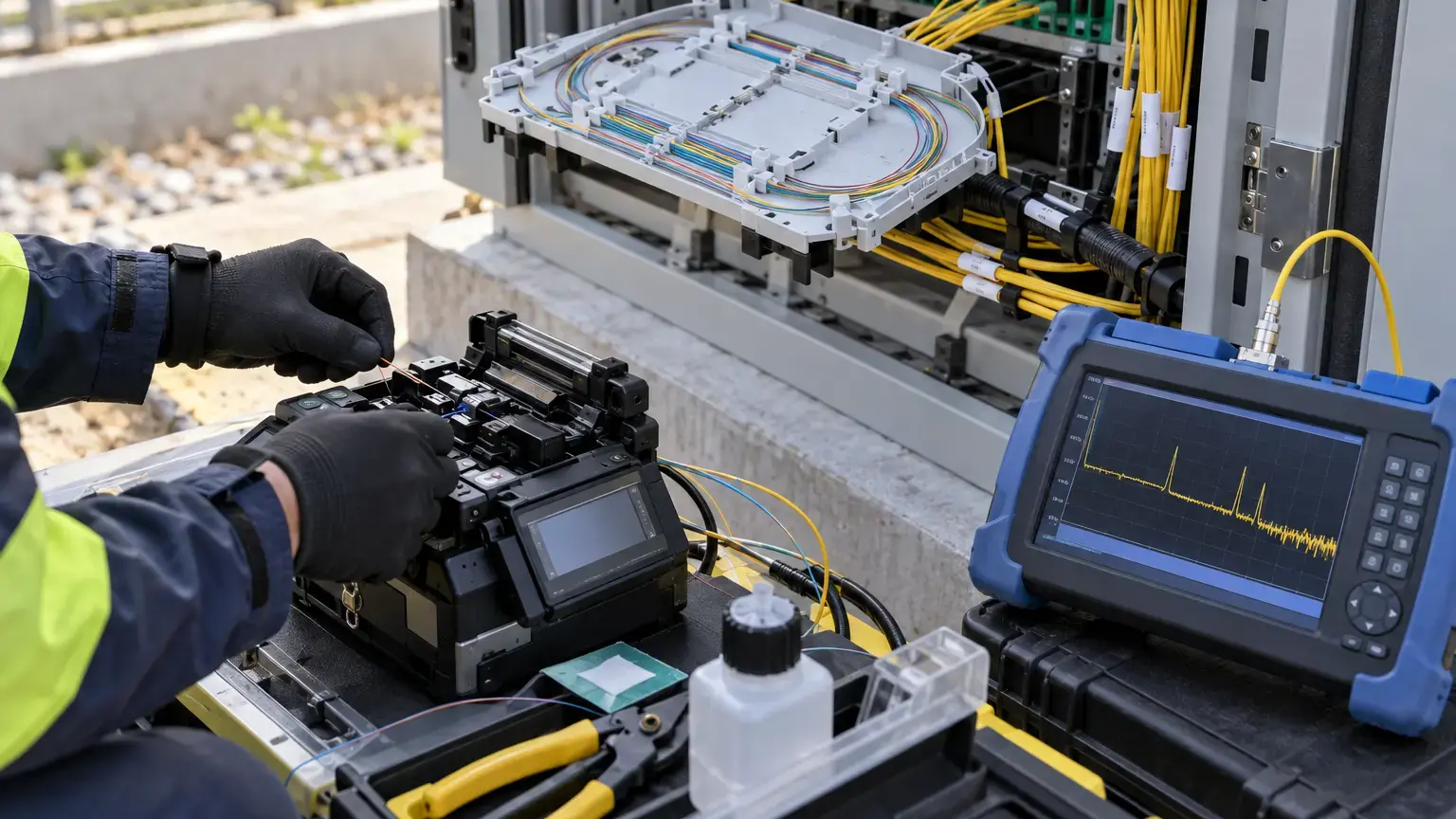
2. Understand what the filtered port does
The live port has two separate jobs. It launches the maintenance wavelength and filters incoming service wavelengths before they reach the OTDR receiver. EXFO explains that this prevents downstream signals from blinding the detector while allowing an out-of-band acquisition. VIAVI likewise offers PON configurations with filtered 1650 nm testing for in-service work.
Do not confuse these conditions:
- Filtered live port: designed to reject active service wavelengths at the OTDR receiver.
- Unfiltered 1625 nm port: a test wavelength may be available, but the port may not be suitable for connection to active service power.
- Wavelength-blocking filter in the ODN: protects network elements or separates maintenance and service bands.
- Dark-fiber OTDR port: intended for out-of-service characterization at common wavelengths.
3. Set a disruption-monitoring plan
Before connecting, identify a service-health measure such as OLT alarms, ONT status, optical power history, packet-loss monitoring or a supervised customer test. Record the baseline, start time, connection time, acquisition periods and end time. Stop if unexpected alarms, loss of signal or service degradation appears.
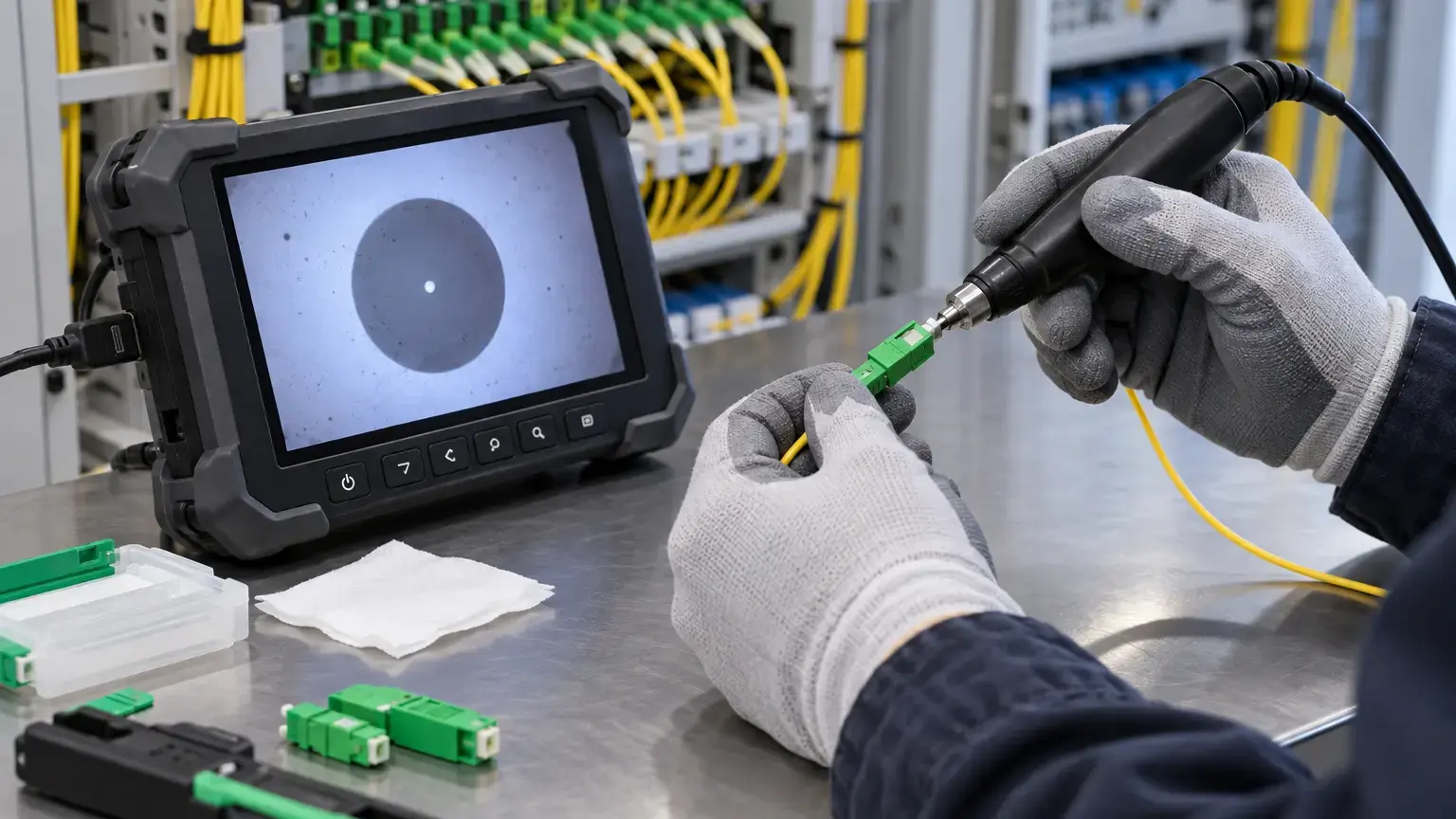
Inspect and clean every test connector before mating. A contaminated connector can create a new fault, high reflectance or damage. Use the correct APC or UPC interface and never mate different polish types through an inappropriate adapter.
4. Predict whether the OTDR can see through the splitter
A high-ratio splitter produces a large loss step. The OTDR must have enough usable dynamic range after launch loss, connectors, fiber attenuation, splitter loss and engineering margin to observe events beyond it. A generic long-haul OTDR can have high headline dynamic range but poor PON dead-zone behavior or unsuitable pulse options.
Launch and connector loss + feeder attenuation + splitter insertion loss + distribution attenuation + terminal loss + measurement margin
Usable post-splitter margin
Instrument usable dynamic range at selected pulse and averaging - required one-way trace budget
Use the splitter's approved product loss rather than ideal split loss. EXFO's PON testing note highlights the challenge of the approximately 16 to 17 dB loss of a 1x32 splitter and explains that pulse width and receiver bandwidth affect spatial resolution. Increase pulse width or averaging only as much as required, because extra energy also increases dead zones and can merge nearby events.
5. Choose direction based on the fault question
Testing from one subscriber branch toward the OLT gives a relatively simple path until the splitter, but it may show the combined feeder after the split and cannot uniquely identify other subscriber drops. Testing from the OLT side can show the common feeder and splitter, while overlapping reflections from many branches can complicate downstream interpretation.
FOA notes that PON traces are often easier to interpret from the subscriber toward the central office. Document the question first:
- Is the fault in one customer drop?
- Are several ONTs behind one splitter offline?
- Is the common feeder damaged?
- Did a closure event affect a group of splitter outputs?
- Is the suspected issue a bend, connector, splice or open end?
6. Do not compare wavelengths as if they were identical
A fault can appear differently at 1650 nm than at 1550 or 1310 nm. Higher wavelengths are more sensitive to bending, which is useful for finding stressed fiber, but the event loss cannot always be compared directly with a lower-wavelength baseline using one fixed threshold.
Measured event loss at 1650 nm - measured event loss at the lower approved comparison wavelength
Trace change from matching baseline
Current event loss at the same wavelength - baseline event loss at the same wavelength
The most defensible comparison uses the same wavelength, direction, instrument class, launch setup, pulse width and averaging. If only a 1310 or 1550 nm baseline exists, use it for distance and event correlation while treating the 1625 or 1650 nm amplitude as wavelength-dependent evidence. A large extra loss at the longer wavelength can support a bend diagnosis, but confirm it physically or with an out-of-service multi-wavelength test when possible.
7. Use a disciplined acquisition sequence
- Confirm the correct fiber, customer or splitter port from the core matrix.
- Measure live power using the approved instrument path before OTDR acquisition.
- Inspect and clean the OTDR lead, adapter and network connector.
- Connect the filtered live port using the approved launch lead.
- Start with the shortest pulse that reaches beyond the suspected area.
- Set range beyond the known link end without using an excessive window.
- Acquire a short trace and confirm the expected splitter and route length.
- Increase averaging before increasing pulse width where practical.
- Save raw traces with wavelength, direction, pulse and fiber ID.
- Disconnect, cap and re-check service status.
8. Interpret events in network context
Correlate the trace distance with as-built cable lengths, closure chainage, slack loops, splitter positions and route markers. OTDR distance is optical length and can differ from mapped cable distance because of refractive-index settings and stored slack.
| Trace observation | Possible cause | Field confirmation |
|---|---|---|
| Reflective event with loss | Connector, mechanical joint, crack or open end | Inspect the mapped termination or closure |
| Non-reflective loss | Fusion splice, bend or localized stress | Compare wavelengths and inspect routing |
| Large expected loss step | Splitter | Match design ratio and recorded location |
| Unexpected early end | Break, disconnected branch or severe bend | Confirm distance against route records |
| No usable trace past splitter | Insufficient dynamic range, wrong setup or excessive loss | Review pulse, averaging, direction and loss budget |
9. Protect shared subscribers during troubleshooting
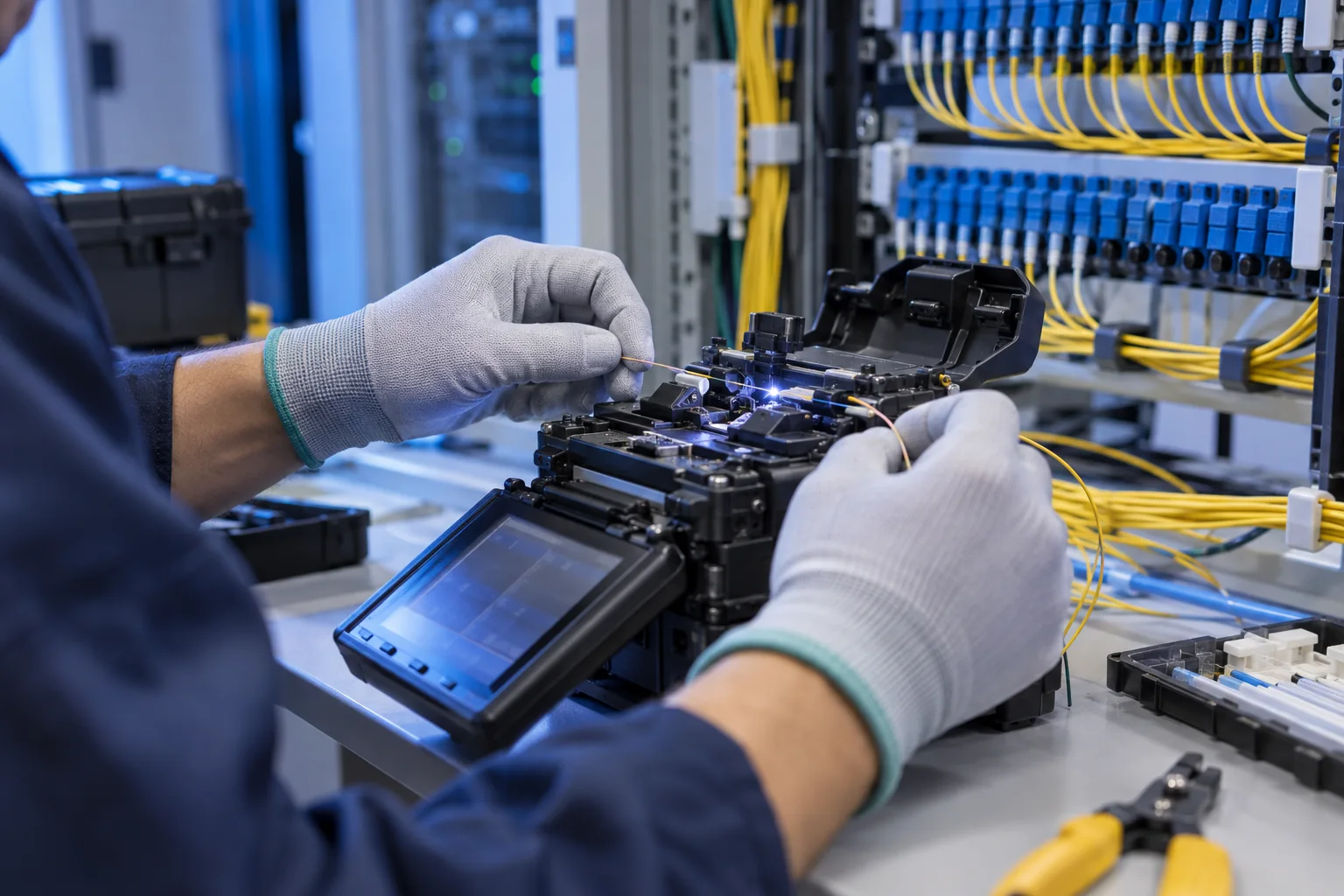
A PON splitter is shared infrastructure. Do not disconnect the common input merely to test one branch unless the outage is approved. Prefer an authorized subscriber-side test or a dedicated maintenance port when the design provides one. Keep dust caps organized, avoid disturbing adjacent adapters and confirm that the test lead cannot transmit unintended wavelengths into active equipment.
If the test suggests a common feeder fault, compare OLT alarms and multiple ONT states before opening a closure. If only one branch is affected, isolate that branch in the records first. This prevents a local drop-cable fault from becoming a wider maintenance outage.
10. Acceptance checklist
- GPON, XGS-PON, video and other wavelengths are documented.
- The exact OTDR module and live port are identified.
- Internal-filter capability is verified from manufacturer documentation.
- ODN WDM and wavelength-blocking filters are mapped.
- Test point and direction are approved.
- Shared subscriber risk and rollback are recorded.
- Service health is monitored before, during and after testing.
- Connector type, polish, inspection and cleaning are confirmed.
- Live optical power is checked through an approved path.
- Splitter loss and required trace budget are calculated.
- Pulse, range, refractive index and averaging are recorded.
- Expected route length and splitter position appear on the trace.
- Long-wavelength bend sensitivity is considered.
- Comparisons use matching wavelengths and settings where possible.
- Events are correlated with closures, slack and route chainage.
- Raw traces and interpreted event tables are saved.
- No unexpected subscriber alarm or degradation remains.
- Fault repair, retest and updated as-built records are handed over.
11. Handover record
Include the PON wavelength plan, port and splitter map, test authorization, instrument and module details, filter status, launch lead, connector-inspection evidence, live-power reading, OTDR settings, raw trace, event table, wavelength comparison, route correlation, service-monitoring log, repair action, post-repair trace and updated as-built drawing. Keep the original trace file, not only screenshots or PDF summaries.
Primary technical references
- ITU-T G.984.5: GPON enhancement band
- EXFO: OTDR PON testing application note
- EXFO: In-service troubleshooting on live FTTH networks
- VIAVI: SmartOTDR live PON capabilities
- FOA: Testing fiber to the home
Need safer live PON fault isolation?
Share the PON technologies, splitter plan, wavelength filters, affected ONTs, OTDR model and route records. Cyber FTTH Mart can help structure the trace budget, controlled testing, fault correlation, restoration and handover evidence.
Discuss live fiber troubleshooting ↗