

OPTICAL FIBER UPLINKS · 26 OCTOBER 2026
Optical transceiver and link power commissioning: a field worksheet
A clean fiber trace does not prove that two switches have the right optics or enough operating margin. The active link also depends on port support, data rate, wavelength, fiber type, connector path, transmit power, receiver limits and, for single-fiber links, a correctly matched BiDi pair. This worksheet joins passive-fiber records with live transceiver evidence.
Visual reference photographs
Build an optic-to-optic schedule
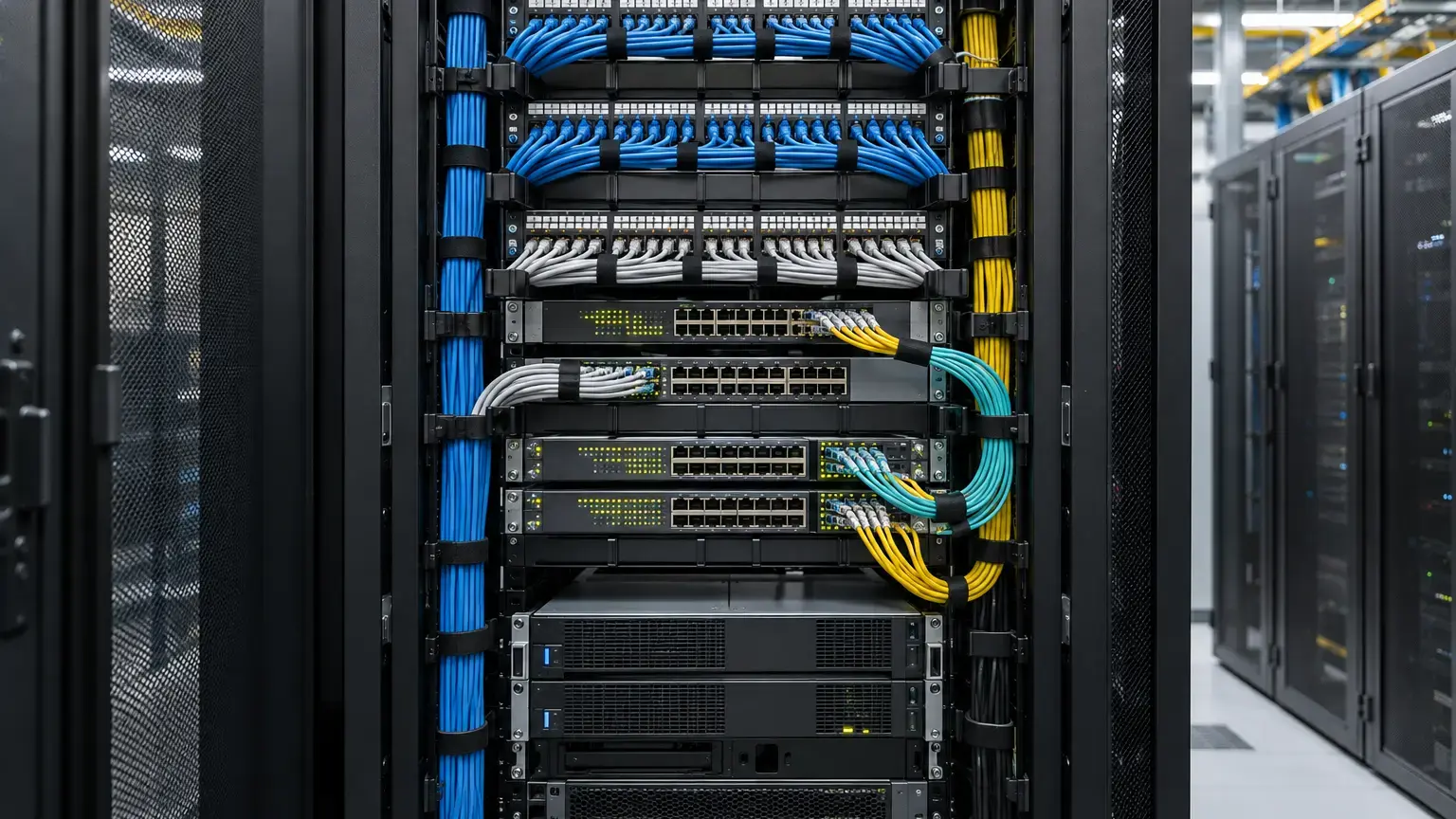
Start with one row per active direction, not only one row per cable. Record device, slot and port, supported speed, transceiver manufacturer and part number, serial number, connector type, nominal wavelength, fiber type, rated reach, remote device and remote optic. Check the current platform compatibility list because a module can fit mechanically while remaining unsupported in that port or software release.
Do not treat reach labels such as SX, LX, LR or ER as interchangeable purchasing shortcuts. They imply specific data rates, wavelengths, fiber types, connector arrangements and optical limits. Confirm those fields from the exact transceiver datasheet at both ends.
Optic schedule row: link ID · near device and port · near optic SKU and serial · Tx wavelength · Rx wavelength · fiber type · connector · speed · rated reach · far device and port · far optic SKU and serial · compatibility evidence.
Match duplex and BiDi links correctly
A conventional duplex optic transmits on one fiber and receives on the other. A single-fiber BiDi link transmits and receives on different wavelengths through one strand, so the two modules must be complementary. Cisco's current 10G SFP+ data sheet gives a clear example: its BXD optic transmits at 1330 nm and receives at 1270 nm, while the paired BXU optic transmits at 1270 nm and receives at 1330 nm.
Record Tx and Rx wavelengths on both ends and prove that each transmitter matches the opposite receiver. Similar-looking BiDi modules are not necessarily a pair. Also confirm connector polish. Do not mate APC and UPC interfaces merely because both are single-mode connectors.
Calculate the allowed optical window
Use manufacturer minimum transmit power and receiver sensitivity for the selected rate and optic. A first-pass link power budget is:
Available power budget (dB) = minimum Tx output (dBm) − receiver sensitivity (dBm)
Predicted Rx power (dBm) = minimum Tx output (dBm) − calculated cable-plant loss (dB)
Low-power operating margin (dB) = predicted or measured Rx power (dBm) − receiver sensitivity (dBm)
Example: if minimum Tx power is -8.2 dBm, receiver sensitivity is -18 dBm and calculated plant loss is 4.5 dB, the available budget is 9.8 dB, predicted receive power is -12.7 dBm and low-power margin is 5.3 dB. These numbers are illustrative only. Use the actual transceiver limits and link measurements.
Check the upper limit too. Very short links or high-output optics can overload a receiver. FOA notes that receivers have both a minimum input limited by noise and a maximum input beyond which saturation can cause errors. The acceptable result is a receive level inside the full operating window, with an agreed engineering margin at both ends.
Reconcile the passive loss budget
Calculate cable-plant loss from fiber attenuation, connector pairs, splices, splitters where applicable and other passive elements at the operating wavelength. Keep design allowances separate from measured insertion loss. FOA recommends leaving margin for ageing, maintenance and future restoration, while also noting that a generic 3 dB allowance is not suitable for every short-budget high-speed link.
If measured insertion loss is within the passive acceptance limit but receive power is not, investigate optic selection, transmitter output, wavelength, patch cords, polarity, dirty interfaces, excessive reflectance, bends and platform configuration. Do not keep resplicing a cable solely because a live DOM number looks weak.
Capture DOM or DDM evidence at both ends
Digital optical monitoring can report temperature, supply voltage, laser bias current, transmit power, receive power and threshold alarms when the platform and optic support it. Juniper identifies these readings as DOM information, while Arista documents temperature, voltage, Tx power, Rx power and bias-current monitoring across supported optics.
Capture readings only after the link has stabilized and record the command, units, time and software version. Read both directions because a healthy receive level at one end proves only one optical path. DOM is valuable for active-link evidence and future trending, but keep the calibrated passive test results as a separate record of the cable plant.
Live reading row: link ID · direction · optic serial · temperature · voltage · bias current · Tx power · Rx power · high and low thresholds · alarm state · interface state · error counters · timestamp.
Commission under representative service load
Confirm negotiated speed, duplex where relevant, FEC mode where required, link state, error counters and traffic continuity. Pass representative traffic in both directions and watch CRC errors, symbol errors, discards, flaps and optical alarms. A link that is merely green at idle is not fully commissioned.
For redundant paths, test each optic and route independently before testing failover. Save a baseline DOM snapshot after acceptance, then compare future readings against that link's own baseline. A gradual receive-power reduction can help direct inspection before a complete outage.
Troubleshoot in a controlled order
- Confirm that both ports and both transceivers support the intended speed and mode.
- Verify the exact optic SKUs, wavelengths, fiber type, connector and rated reach.
- For BiDi, verify complementary Tx and Rx wavelengths at opposite ends.
- Check duplex polarity or the assigned single-fiber core.
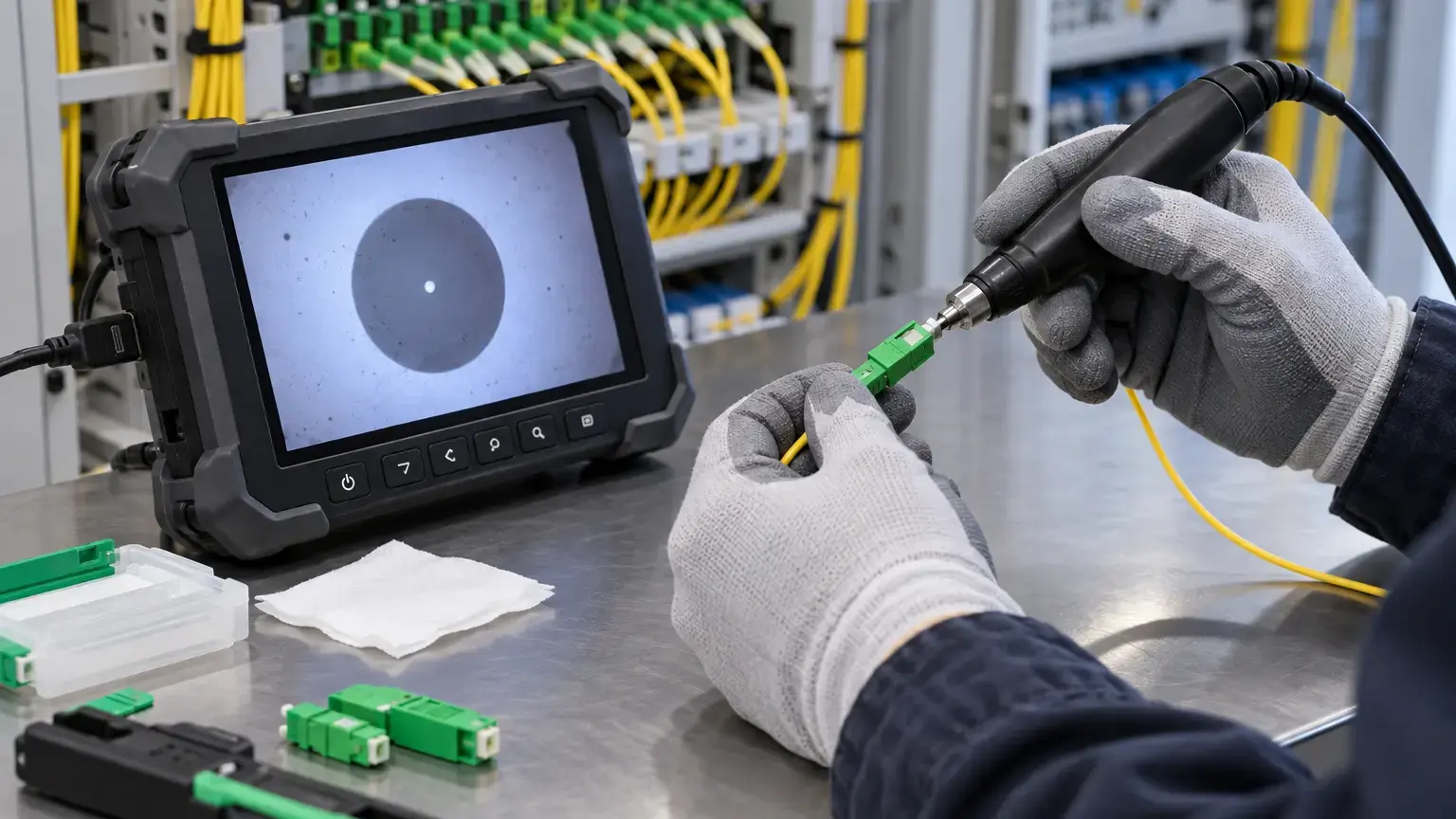
- Inspect, clean and reinspect accessible connector end faces.
- Compare DOM Tx power with the optic's published operating range.
- Compare DOM Rx power with sensitivity and overload limits.
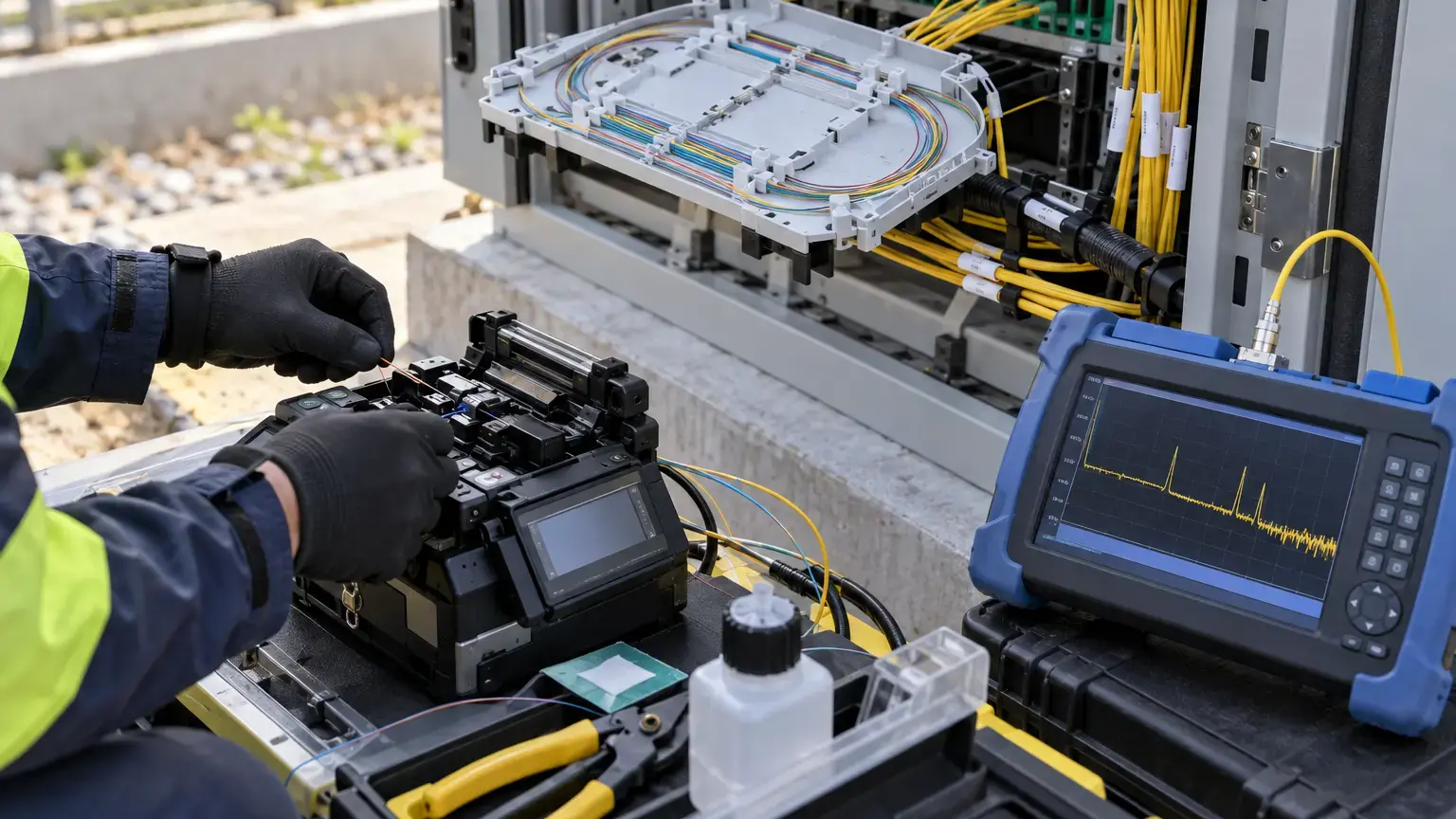
- Review passive insertion loss and OTDR evidence without confusing their purposes.
- Swap only one controlled component at a time and record the result.
- Retest traffic, counters and alarms after the corrective action.
Field acceptance worksheet
- Each active direction maps to a named fiber core and device port.
- Platform compatibility is confirmed for the exact optic SKU.
- Speed, wavelength, fiber type, connector and rated reach match the design.
- BiDi modules are documented as a complementary pair.
- Minimum Tx power, receiver sensitivity and maximum receiver input are recorded.
- The available power budget and predicted receive power are calculated.
- Passive insertion-loss results are available at the operating wavelength.
- Connector inspection and cleaning status is recorded before final connection.
- DOM or DDM readings are captured at both ends with units and thresholds.
- Receive power is inside both low and high limits with agreed margin.
- Interface speed, FEC where applicable, alarms and error counters are checked.
- Representative bidirectional traffic is witnessed.
- Redundant paths and failover are tested separately where included.
- Optic serial numbers, baseline readings and configuration evidence enter the handover pack.
Minimum handover pack
Provide the port and core schedule, transceiver compatibility evidence, optic part and serial numbers, wavelengths, connector and fiber type, power-budget calculation, passive loss results, OTDR references, connector-inspection status, DOM screenshots from both ends, interface and error-counter outputs, traffic-test result, exceptions and final baseline. Link this record to the connector inspection worksheet, bidirectional OTDR worksheet and fiber core-allocation record.
Primary technical references
- Cisco: 10GBASE SFP+ Modules Data Sheet
- Cisco: Gigabit Ethernet SFP Modules Data Sheet
- Juniper: Show interfaces diagnostics optics
- Arista: Transceiver and Cable Guide
- FOA: Calculating fiber optic loss budgets
- FOA: Outside plant fiber optic transmission systems
Commissioning fiber uplinks for a campus, CCTV network or ISP route?
Share the device models, optic list, core schedule, route length and passive test results. We can coordinate fiber termination, testing, active-link checks and handover evidence around the supported network design.
Discuss fiber-link commissioning ↗