

ENTERPRISE NETWORKING · 24 OCTOBER 2026
Network rack thermal management: an airflow and temperature acceptance worksheet
A rack can have working fans and still run hot. Mixed airflow directions, blocked inlets, recirculated exhaust, cable congestion and poorly placed sensors can create local hot spots that a room thermostat never sees. This worksheet turns thermal readiness into measurable handover evidence.
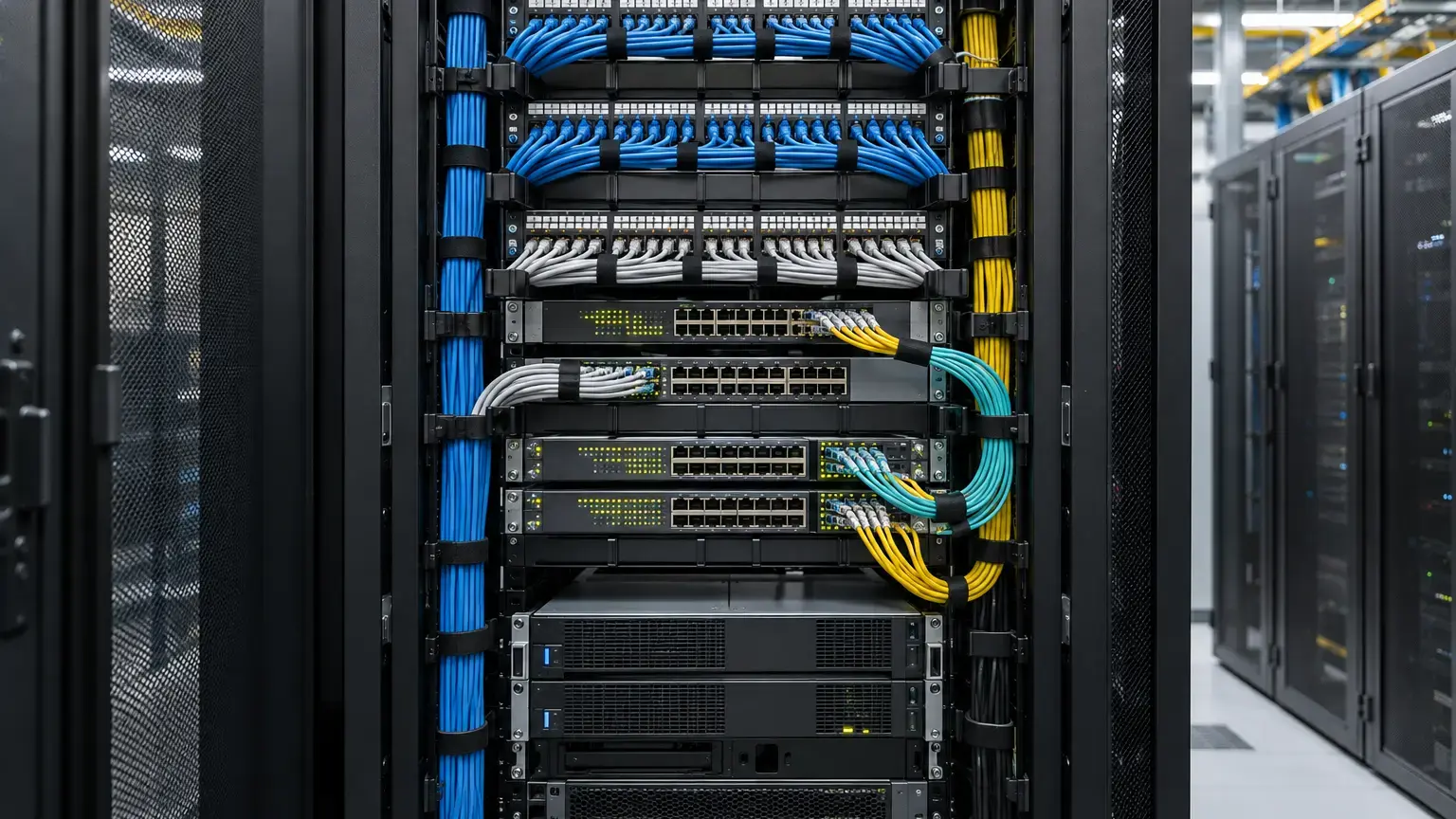
Why room temperature is not enough
Network equipment cools itself by moving air through a defined path. If hot exhaust returns to the inlet, the device can see a much higher temperature than the air-conditioner display. ASHRAE guidance treats equipment inlet conditions, humidity and rate of change as engineering variables. The applicable limits still come from the installed equipment manufacturer, so a project must record both the site condition and the strictest device requirement.
Do not copy a generic temperature band into an acceptance report. The ASHRAE 2021 thermal reference card separates recommended and allowable envelopes by equipment class. Cisco hardware guides likewise specify product-specific operating ranges, airflow direction and clearances. The correct acceptance limit is the intersection of those requirements for the actual rack.
Step 1: build the thermal load register
Record every heat-producing device: access and core switches, routers, NVRs, servers, PoE injectors, media converters, UPS units and power supplies. Use measured input power where possible. For an electrical device in steady operation, nearly all input power eventually becomes heat in the room.
Heat estimate: heat load in watts ≈ measured real power in watts. For a first planning conversion, BTU/h ≈ watts × 3.412. Example: a measured 1,200 W rack load releases about 4,094 BTU/h. This is a planning estimate, not a substitute for HVAC design or manufacturer data.
Include realistic PoE loading. A lightly loaded switch during handover may become a much larger thermal source when cameras, access points and intercom stations are connected. Record present load, planned peak load and spare capacity separately.

Step 2: verify airflow direction and rack arrangement
Mark the intake and exhaust side of each device from its data sheet and fan modules. Do not assume that every switch is front-to-back. A reversed fan or port-side intake model can discharge hot air toward another device's inlet. Where a platform offers airflow variants, the fan and power-supply modules must match the intended rack orientation.
Check that cable bundles, shelves and loose service loops do not cover ventilation openings. Maintain the exact service and airflow clearances required by the equipment manual. For example, current Cisco Nexus installation guidance calls for adequate front and rear space for cabling, airflow and maintenance. These dimensions are product-specific, so use the manual for every installed chassis.
Fit blanking panels in unused rack spaces where front-to-back separation is intended. Schneider Electric describes blanking panels as a way to reduce recirculation and bypass airflow in its NetShelter airflow management guidance. Seal avoidable cable openings, but never obstruct the rack's designed exhaust path.
Step 3: place sensors where failure begins
Measure at the intake face of representative equipment, not only in the room. For a tall rack, use at least lower, middle and upper inlet positions. Add an exhaust measurement when diagnosing recirculation, and note the sensor height, distance from the rack and calibration status. A single handheld reading taken immediately after opening the door is weak evidence.
Useful temperature rise: ΔT = exhaust air temperature minus inlet air temperature. A higher ΔT can indicate more heat being transferred, but it is not an acceptance limit by itself. Compare inlet temperature with the manufacturer's operating envelope and look for abnormal variation between rack heights or devices.
Record readings after the load and cooling system have stabilized. Repeat with rack doors closed, the normal room arrangement restored and all expected fans operating. Where monitoring is installed, verify high-temperature alarms, alert recipients, alarm delay and recovery logging.

Step 4: run a controlled thermal acceptance test
- Confirm equipment inventory, airflow direction and manufacturer limits.
- Photograph front, rear, blanking panels, cable paths, vents and sensor positions.
- Apply a representative operational load, including realistic PoE demand and recording activity.
- Allow readings to stabilize, then log lower, middle and upper inlet temperatures at agreed intervals.
- Verify room cooling, rack fans, equipment fans and temperature alarms.
- Temporarily simulate a permitted fault, such as one redundant cooling unit unavailable, only where the design and responsible facility team allow it.
- Restore normal operation and confirm alarms clear without hidden equipment faults.
Stop the test if any device crosses its manufacturer limit, reports thermal alarms, throttles, restarts or shows abnormal fan behavior. Do not cover vents or disable equipment fans to create a test condition.
Decision worksheet
Record: rack ID and room · ambient and inlet design limits · equipment and airflow direction · measured rack real power · connected PoE load · estimated BTU/h · cooling system and redundancy · blanking panels and cable seals · front and rear clearance · lower/middle/upper sensor locations · stabilized readings and times · alarm setpoints and recipients · representative-load evidence · exceptions, owner and closure date.
Accept: all inlet readings remain within the agreed device limits, airflow paths are unobstructed, alarms are proven and documentation matches the installed rack.
Accept with action: operation is currently inside limits, but a documented issue such as missing blanking panels, absent remote alarms or inadequate peak-load evidence has an owner and close-out date.
Reject or stop: any device exceeds its limit, intake and exhaust paths conflict, cooling cannot support representative load, alarms fail, or thermal evidence is missing.
Sources and scope
- ASHRAE Datacom Series resource page
- ASHRAE 2021 Equipment Thermal Guidelines reference card
- Cisco site preparation and airflow requirements
- Schneider Electric APC NetShelter airflow management
This worksheet supports project planning and commissioning. It does not replace HVAC design, electrical design, fire requirements, equipment manuals or a site-specific risk assessment.
Need a rack readiness and handover plan?
Share the rack schedule, device list, expected PoE load, room layout and cooling arrangement. We can help define the inspection, labelling, testing and documentation scope for the installed network.
Discuss the network rack ↗